
Key Takeaway:
Editor’s Note: I wrote this because I’m tired of seeing honest site owners getting burned by “link mills.” You don’t need a massive budget; you just need to follow this audit. If a seller refuses to let you check these four things, they are selling you trash.
If you are buying backlinks, you are playing with fire if you don’t know exactly what you are paying for. I see it all the time—people dump money into “SEO packages” without doing a lick of research, and then they wonder why their site gets hit by a Google update or why their rankings never move.
The SEO industry is full of “link sellers” who are just reselling low-quality PBN links or spammy redirects. If you want to rank #1, you need to be smarter than the average site owner. You need to know how to verify backlink source quality before payment.
Follow this guide step-by-step for every single seller you consider. If a seller won’t let you check these metrics, walk away. Period.
Why Quality Verification is Mandatory
Buying backlinks is one of the most powerful strategies to move the needle, but only if the links are clean. If you buy links from a PBN (Private Blog Network) that has been flagged or a site that is pure spam, you are throwing your money away. Worse, you are actively inviting a manual penalty or a “thin content” filter from Google.
Not all backlinks are created equal. One link from a site with real, organic human traffic is worth more than 1,000 links from a dead link farm.
The 5-Step Backlink Quality Audit
You don’t need a $200/month tool to do this. Most of these checks can be done with free SEO tool trials or basic public data.
1. Check for Organic Traffic Trends
A site might have high Domain Authority (DA) or Domain Rating (DR), but if it has zero organic traffic from Google, that link is essentially a ghost. Use a tool like Ahrefs, Semrush, or Ubersuggest to check the organic traffic history.
-
What to look for: You want to see a steady or growing organic traffic line.
-
The “Cliff” Red Flag: If the traffic graph looks like a cliff—a sudden, vertical drop—it means the site was likely hit by a Google algorithm update. Never buy a link from a site that has been penalized.
2. Spotting PBN Footprints
PBNs are the most common way low-quality sellers make money. They build sites specifically to sell links, not to provide value.
-
Check the Outbound Link Pattern: Go to the site and look at the “Recent Posts.” Are they linking out to unrelated niches? (e.g., a “lifestyle” blog linking to a gambling site, a crypto exchange, and a weight loss product all in the same week). That is a link farm.
-
Analyze the Content: If the content is stuffed with generic keywords or feels like it was vomited out by an AI without any human editing, it’s a PBN. You want links from sites that look like real, functioning blogs.
3. Review the Source Site’s Backlink Profile
If you are buying a link, you need to know where the site’s authority comes from.
-
Check the “Referring Domains” for the site. Are they getting links from reputable sources like news outlets or established blogs?
-
If the site’s own backlink profile is made up of spam, adult sites, or foreign-language junk, that site cannot pass any “link juice” to you. It will only pull your authority down.
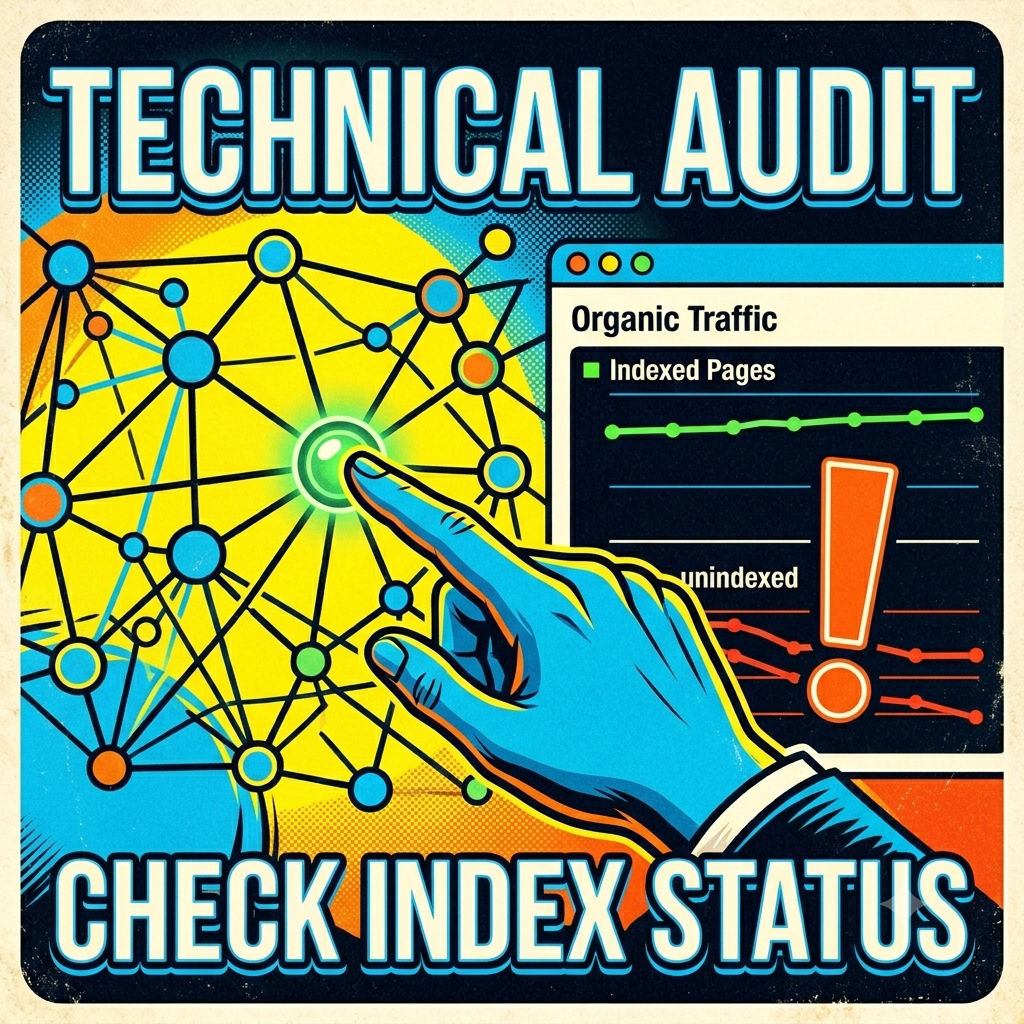
4. The Indexing Test
This is the simplest, most effective test. Go to Google and type in the search bar: site:thewebsiteyouarechecking.com
-
The Goal: You want to see a healthy number of indexed pages. This proves Google recognizes the site as a functioning entity.
-
The Death Sentence: If the search returns zero results, the site has been de-indexed. Never pay a cent for a link from a de-indexed site.
I always recommend you do this manually for every site on a list provided by a seller. Do not trust their ‘report’; verify the truth yourself in Google.
5. Verify the “Contextual” Value
A link hidden in a footer or a sidebar is worth much less than a link inside a 1,000-word article related to your niche. Before you pay, ask the seller: “Is this a contextual, do-follow link in a unique article?”
Pro Case Study: A Lesson Learned
I had a client once who bought a “mega-pack” of 500 links for a few hundred dollars. He thought he was getting a bargain. Within three weeks, his traffic plummeted. Why? Because the seller was using a PBN network that had just been de-indexed by Google.
Because he didn’t check the traffic trend or the indexing status beforehand, he had to spend months doing a backlink disavow process to fix the damage. Don’t be that guy. Verify first, pay later.
Frequently Asked Questions
Is a high DR (Domain Rating) enough to trust a site? Absolutely not. You can manipulate DR by pointing thousands of spam links at a site. Always look at the traffic trend before you look at the DR.
What is the best type of link for SEO? The best links are contextual, niche-relevant, and live on sites that receive consistent organic search traffic.
How do I know if a price is too good to be true? If a seller is offering 100+ “high-authority” links for $50, it is 100% spam. Real link building takes human time and effort. You are paying for the quality of the outreach and the quality of the site, not just a line of code.
Your Pre-Payment Checklist
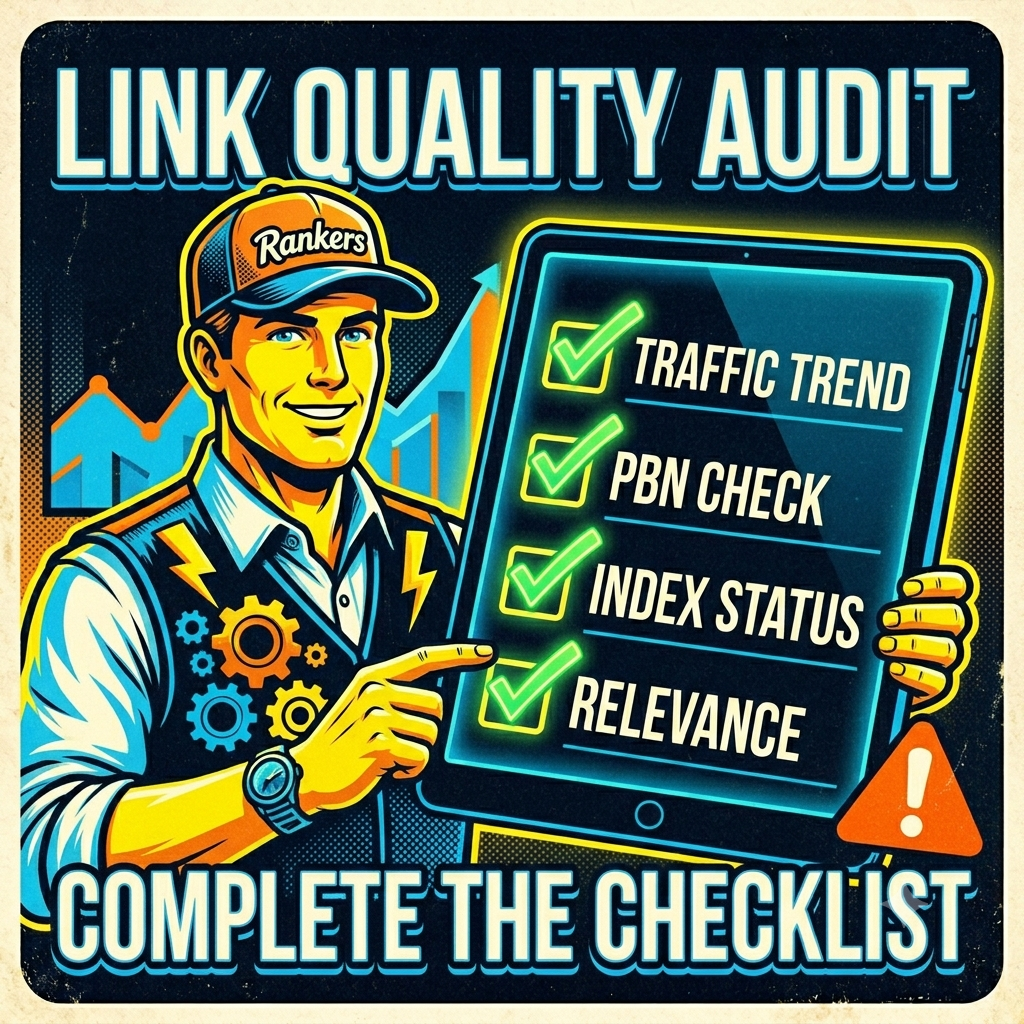
Before you hit that payment button, run through this list one last time:
-
[ ] Does the site have a consistent organic traffic line on Ahrefs/Semrush?
-
[ ] Does the
site:domain.comsearch show indexed pages? -
[ ] Are the site’s outbound links relevant to the niche?
-
[ ] Is the content on the site actually readable and valuable?
When you master these checks, you stop being a victim of bad SEO services. You start building a backlink profile that will actually survive Google updates and dominate the rankings. If you need help with high-quality, audited link building, check out our monthly link-building packages where we prioritize these exact quality metrics.