
You have finally taken the leap. You decided to buy backlinks to push your website up the Google search engine results pages (SERPs). You tracked down a high-quality seller, placed your order, and got your delivery report containing a list of live guest posts or powerful web 2.0 backlinks.
Excited to see your Domain Rating (DR) climb, you head on over to Ahrefs, plug your URL into the Site Explorer, and… nothing.
The dashboard hasn’t budged. The new referring domains are not showing up.
Panic sets in. You start thinking: Have I been scammed? Are these backlinks fake? Did the seller give me bad links?
Take a deep breath.
I have been in the SEO game for a very long time, and I see this exact concern raised over and over again. The truth is, there is a massive difference between a backlink being live and active in the eyes of Google, and a backlink showing up inside third-party SEO tools like Ahrefs or Semrush.
Today, I am going to show you exactly why your purchased backlinks are not showing in Ahrefs, how you can verify if they are actually working, and what you can do to fix it for free.
The Big Misconception: Ahrefs is NOT Google
Before we go any further, you must understand one fundamental truth of search engine optimization: Ahrefs is not Google.
Ahrefs is a private software company. They have their own web crawler, called AhrefsBot, which crawls the internet to build its own database.
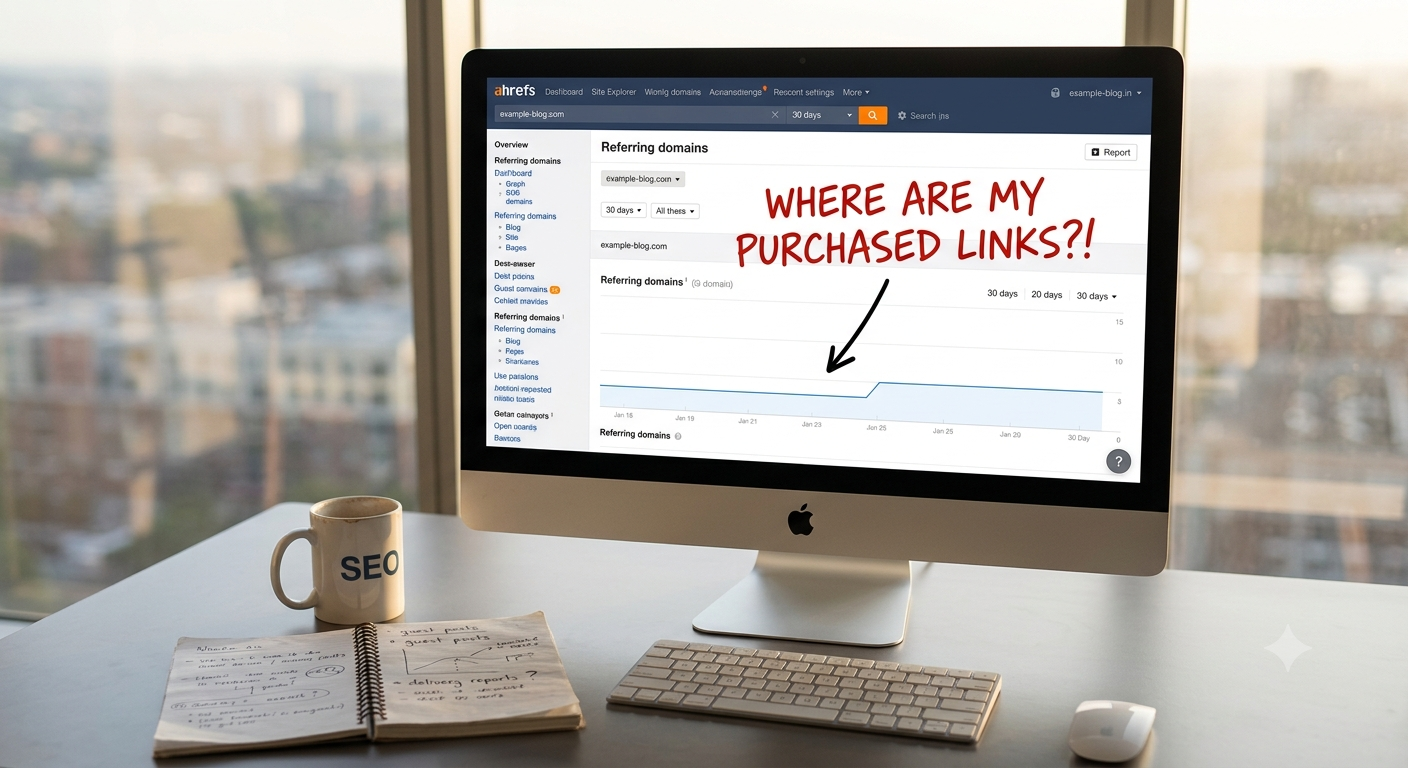
When you look at the backlink profile chart inside Ahrefs, you are looking at their index, not Google’s index.
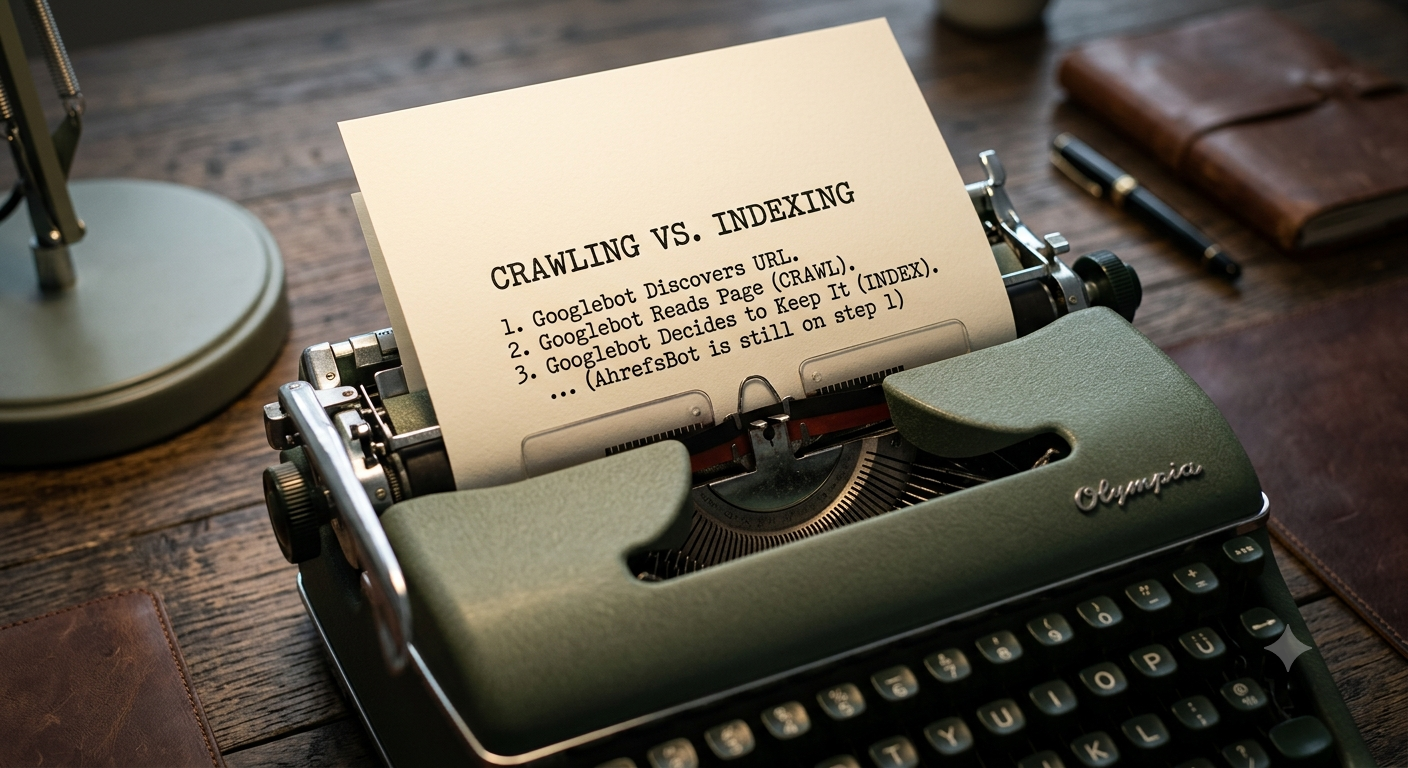
Google’s index is massive, and its bot (Googlebot) is infinitely faster and more powerful. If a link does not show up in Ahrefs, it does not mean Google doesn’t know about it. Google can discover, crawl, and pass ranking juice through a link long before Ahrefs ever realizes the page exists.
Here are the four primary reasons why your purchased backlinks are not showing up on your favorite SEO tracker.
1. AhrefsBot Simply Has Not Crawled the Page Yet
This is the most common reason.
When a backlink provider delivers your report, those links are brand new. For Ahrefs to show those links, the AhrefsBot crawler must:
-
Find the URL of the site where your link is placed.
-
Crawl that page.
-
Process the link and update their live index.
While Google might crawl a high-authority guest post within 24 to 48 hours, Ahrefs takes much longer. Depending on the authority and crawl frequency of the host domain, it can take anywhere from 2 to 6 weeks for Ahrefs to discover and register a new backlink.
If your links were delivered less than a month ago, you simply need to wait.
2. The Link Seller is Blocking Ahrefs (Robots.txt)
If you bought links from private networks or specific niche-relevant blog networks, there is a very high probability that the seller is intentionally blocking SEO crawlers.
Many professional link builders and network owners block bots like AhrefsBot, SemrushBot, MJ12bot (Majestic), and DotBot inside their site’s robots.txt file.
Why do they do this?
They do it to protect their sites and your backlinks from competitors. If a competitor can easily plug your domain into Ahrefs and see every single link you have purchased, they can easily copy your exact backlink profile or report your link sources to Google.
By blocking Ahrefs, the seller ensures that your backlink footprint remains hidden from competitors’ tools while remaining completely open to Google.
Important: If a site blocks AhrefsBot, the link is still 100% active, it still passes authority, and Google still counts it. It will just never show up in your Ahrefs dashboard.
3. The Backlink Page is Unindexed on Google
If Google cannot find the page containing your link, Ahrefs certainly won’t either.
If your purchased links are placed on low-quality pages, thin content platforms, or poorly structured web 2.0 profiles, Googlebot might ignore them. If a page is not indexed, it holds virtually zero ranking power.
You can check if your link page is indexed on Google for free. Simply copy the URL of the page your link is on and search for it in Google using the site: operator:
site:[thebacklinkurl.com/your-post-path/](https://thebacklinkurl.com/your-post-path/)
If the page shows up in the Google search results, it is indexed. If nothing shows up, then the page itself is unindexed. If you find your purchased links are struggle to index, you should read up on Google’s Webmaster guidelines regarding indexing properties, or use a tool like the Rank Math Instant Indexing plugin if the properties are under your direct control.
4. The Links Have No External “Discovery” Points
Crawlers find new pages by following links from existing pages. If your new guest post or web 2.0 backlink is published on a site, but there are no other links on the internet pointing to that specific new URL, crawlers have a hard time finding it.
This is why “link velocity” and tiered link structures are so popular. To get your tier 1 backlinks crawled and recognized quickly, you often need to build tier 2 links to them.
How to Verify Your Backlinks Are Real and Working (For Free)
You do not need to rely on Ahrefs to verify your links. Follow this quick checklist to make sure your provider delivered what you paid for:
-
Manual Inspection: Open the URL provided in your report. Right-click on your backlink, click Inspect, and look at the HTML code. Ensure the code does not contain
rel="nofollow"unless you specifically purchased nofollow links. It should be a clean, standard HTMLhreflink. -
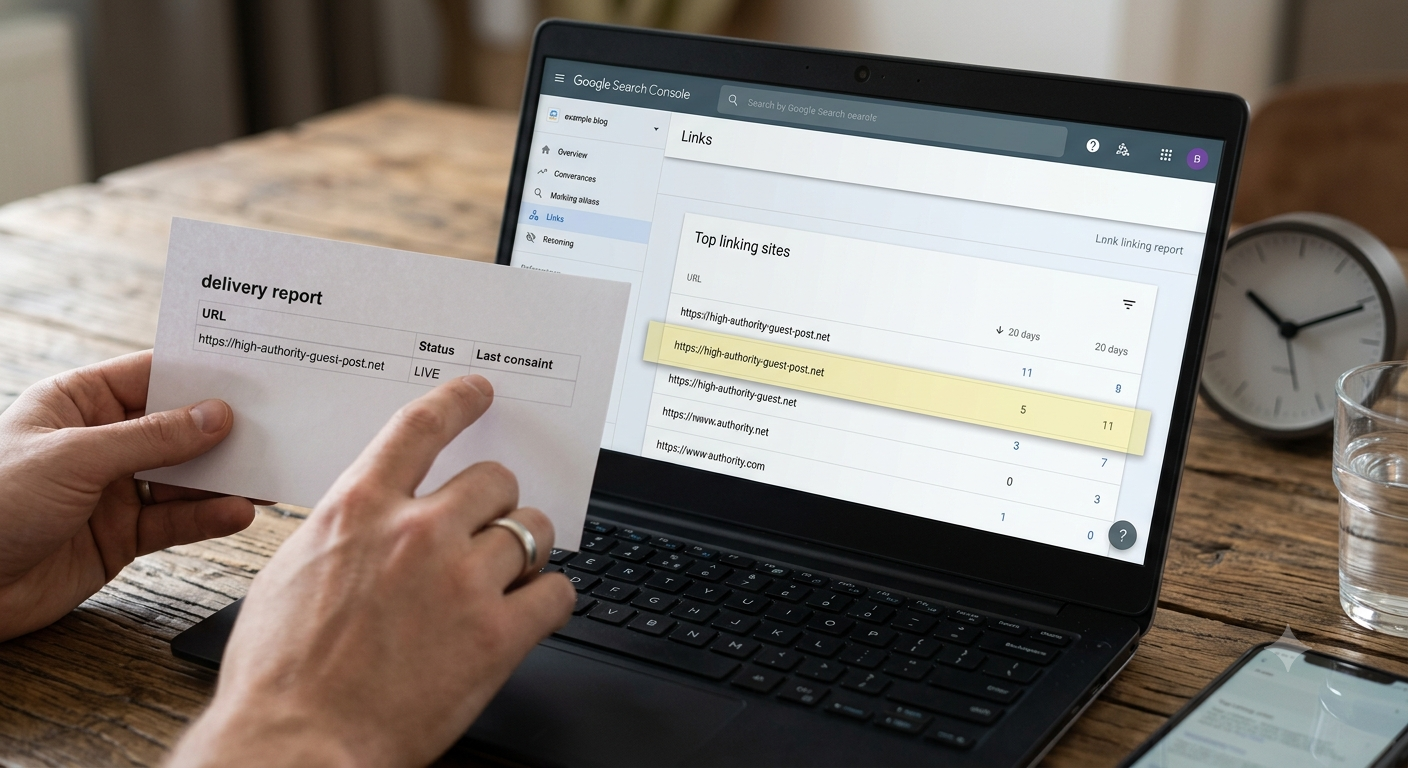
Check Google Search Console (GSC): This is the ultimate source of truth. GSC shows you the exact data Googlebot collects. Go to Links in the left sidebar of your Search Console dashboard and check the “Top linking sites” report. If Google is counting the link, it will eventually show up here—even if Ahrefs shows zero.
-
Monitor Your Rankings: The best indicator that your links are working is your keyword ranking position. If your target keywords are climbing in the organic SERPs, the link juice is flowing, regardless of what your third-party DR metrics say.
Do not stress over third-party metrics. Focus on actual search engine rankings, keep your content perfectly optimized, and give your links time to settle into the index.