
I am going to show you exactly how to deal with lost or dropped bought backlinks step-by-step so you can reclaim your lost domain authority and protect your search engine keyword rankings.
If you have been investing in off-page SEO for any length of time, you already know the sinking feeling. You log into your backlink tracking tool or check Google Search Console (GSC), only to discover that a high-powered guest post, niche edit, or Web 2.0 link you paid hard-earned cash for has completely vanished.
When you buy backlinks, link decay is an inevitable part of the game. Websites change hands, webmasters clean up old articles, automated subdomains get flagged, and vendor guarantees expire.
In this guide, I will walk you through my exact troubleshooting framework to diagnose why your links dropped, how to recover lost link juice, and how to force vendors to replace dead links for free.
What Causes Bought Backlinks to Drop or Disappear?
Before you reach out to a link broker or write off your investment, you must understand why the link disappeared in the first place. Google bot processes billions of pages daily, and what looks like a deleted link might simply be an indexing delay or a temporary server error.
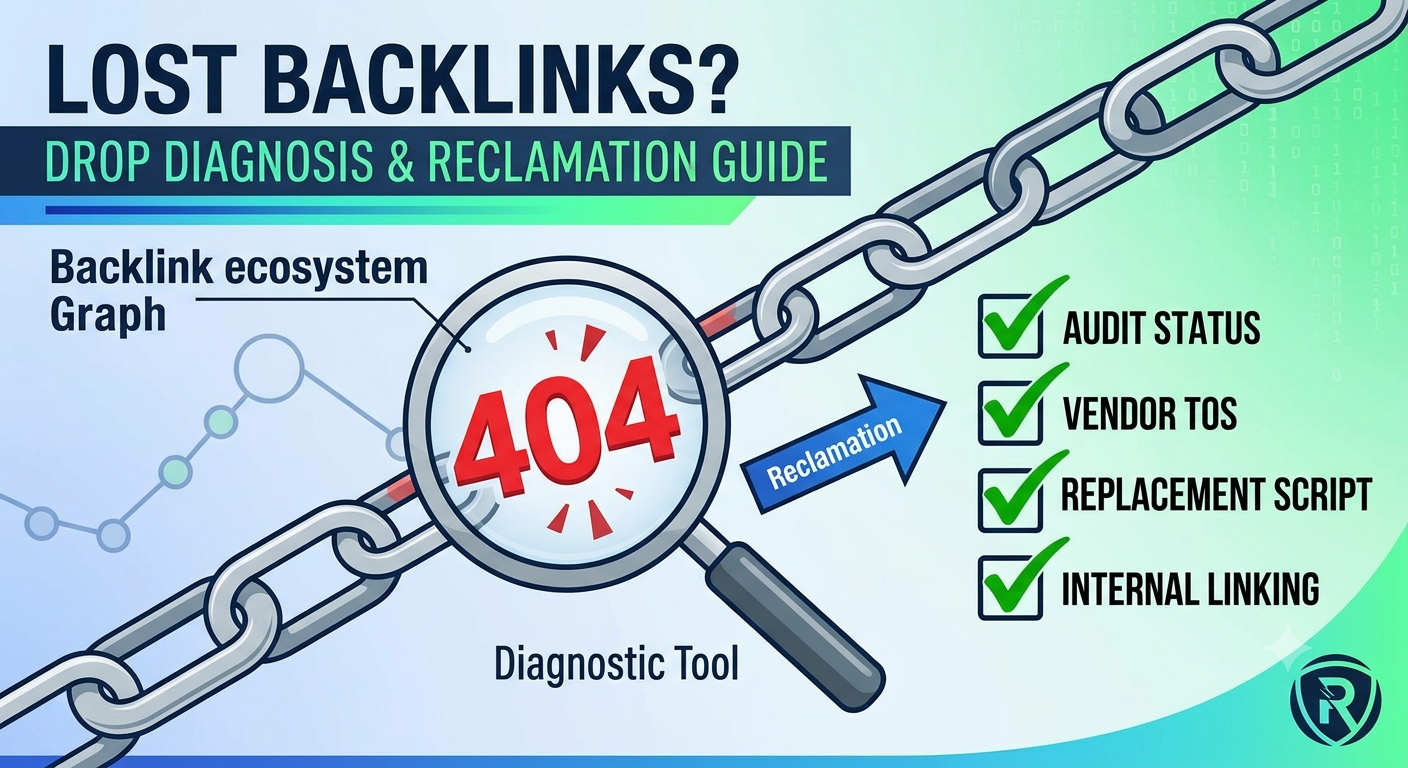
Here are the primary reasons bought backlinks drop off the organic SERPs:
-
Vendor Article Deletion (404 Errors): The blog owner or broker manually deleted the post or stripped out your target anchor text after your contract period expired.
-
Domain Expiration or Site Shutdown: The publisher failed to renew their domain or sold the site to a new owner who wiped the database.
-
Canonical or 301 Redirect Changes: The site owner redirected your target URL to another category page, stripping away the direct contextual backlink.
-
De-indexing by Google Bot: The host domain got hit with an algorithmic spam penalty, causing Google to remove the page from its search index entirely.
-
NoFollow or Meta Tag Modifications: The publisher added a
rel="nofollow",rel="sponsored", ornoindextag to your link without informing you.
Pro Tip: Never assume a link is lost just because your SEO tool (like Ahrefs or Semrush) shows it as “Lost.” These third-party crawlers can take weeks to re-crawl a page. Always perform a manual HTTP status code check first.
Step 1: Diagnose the Lost Link (The Manual Audit Checklist)
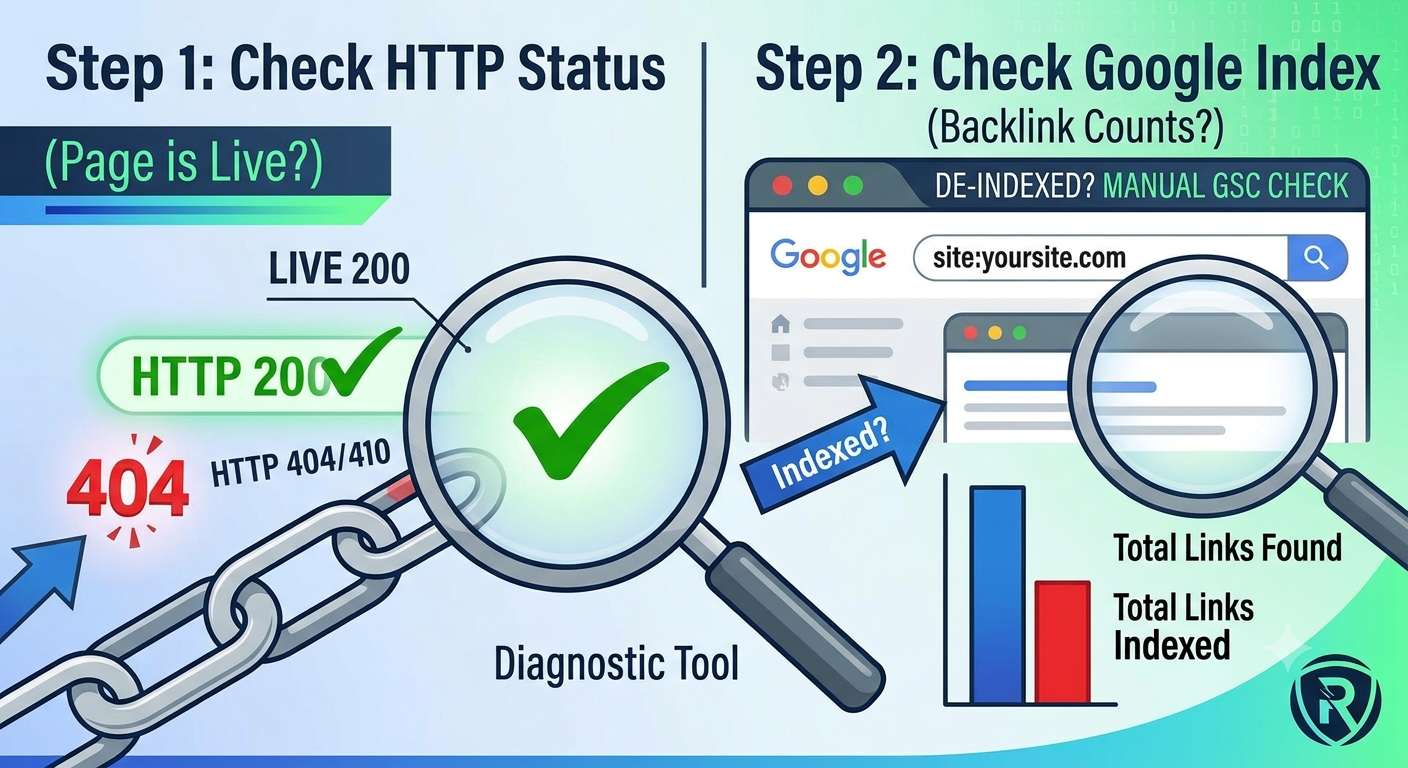
Follow this step-by-step audit workflow before taking action with a seller or updating your site layout.
+-------------------------------------------------------------------+
|                  LOST BACKLINK DIAGNOSIS FLOWCHART               |
+-------------------------------------------------------------------+
                                  |
                                  v
                      [ Paste URL in Browser ]
                                  |
        +-------------------------+-------------------------+
        |                                                   |
        v                                                   v
  ( Page Loads )                                     ( 404 / 500 Error )
        |                                                   |
        v                                                   v
[ Inspect Element / Anchor ]                     [ Contact Seller / Vendor ]
        |                                        ( Request Replacement )
  +-----+-----+
  |           |
  v           v
( Link Present )  ( Link Stripped )
  |                   |
  v                   v
[ Check Indexing ]  [ Request Restoration ]
1. Check the Raw HTTP Response Code
Copy the exact URL where your backlink was placed and run it through a free HTTP header checker or open it directly in a private browser window.
-
HTTP 200 (OK): The page is live. Inspect the HTML source code (
CTRL + U) and search for your domain name to verify if the link is still inside the content. -
HTTP 404 / 410 (Not Found): The page was removed or deleted from the server.
-
HTTP 301 / 302 (Redirect): The URL is redirecting elsewhere. Check if your link survives on the destination page.
2. Verify Google SERP Indexation
If the page returns an HTTP 200 code and your link is visible on the page, check if Google bot still has the URL in its index. Search Google using the site: footprint:
site:[https://example.com/your-blog-post-url/](https://example.com/your-blog-post-url/)
-
If the page appears in search results: The backlink is active and indexed. Your SEO tracking software simply hasn’t updated its crawler database yet.
-
If no results appear: The page has been de-indexed. A backlink on an unindexed page carries zero PageRank passing value in Google organic SERPs.
Step 2: How to Reclaim Replacement Links from Vendors
If your audit confirms that the link was deleted, stripped, or de-indexed, your next move is to enforce the seller’s Link Replacement Guarantee (LRG).
Most reputable link-building agencies and private sellers provide a standard 30-day, 90-day, or 1-year link retention policy.
The Vendor Recovery Protocol
-
Review Your Original Invoice / Delivery Sheet: Locate the exact order date, transaction ID, and initial target URL list.
-
Document the Evidence: Take a screenshot of the 404 response page or the HTML source code showing the missing anchor text.
-
Send a Direct, Professional Replacement Request: Do not open an aggressive payment dispute immediately; give the seller 48 hours to fix the issue or re-place the link on a fresh target page.
Copy-Paste Vendor Outreach Template
Use this exact outreach template when emailing your link vendor:
Plaintext
Subject: Link Replacement Request - Order #[INSERT ORDER NUMBER]

Hi [Seller Name],

I am running a routine backlink audit on our recent campaign and noticed that one of the placed links has dropped.

- Target URL: [INSERT YOUR WEBSITE URL]
- Placement URL: [INSERT THE VENDOR'S PLACEMENT URL]
- Issue Detected: [HTTP 404 Error / Anchor Text Removed / Page De-indexed]
- Original Delivery Date: [INSERT DATE]

Could you please restore this placement or provide a replacement backlink on a site with equivalent Domain Authority and traffic metrics?

Thanks,
Nick
Step 3: Mitigating the Impact of Permanently Lost Backlinks
If the vendor refuses to replace the link or has gone out of business, you must take active steps on your own domain to offset the drop in link authority.
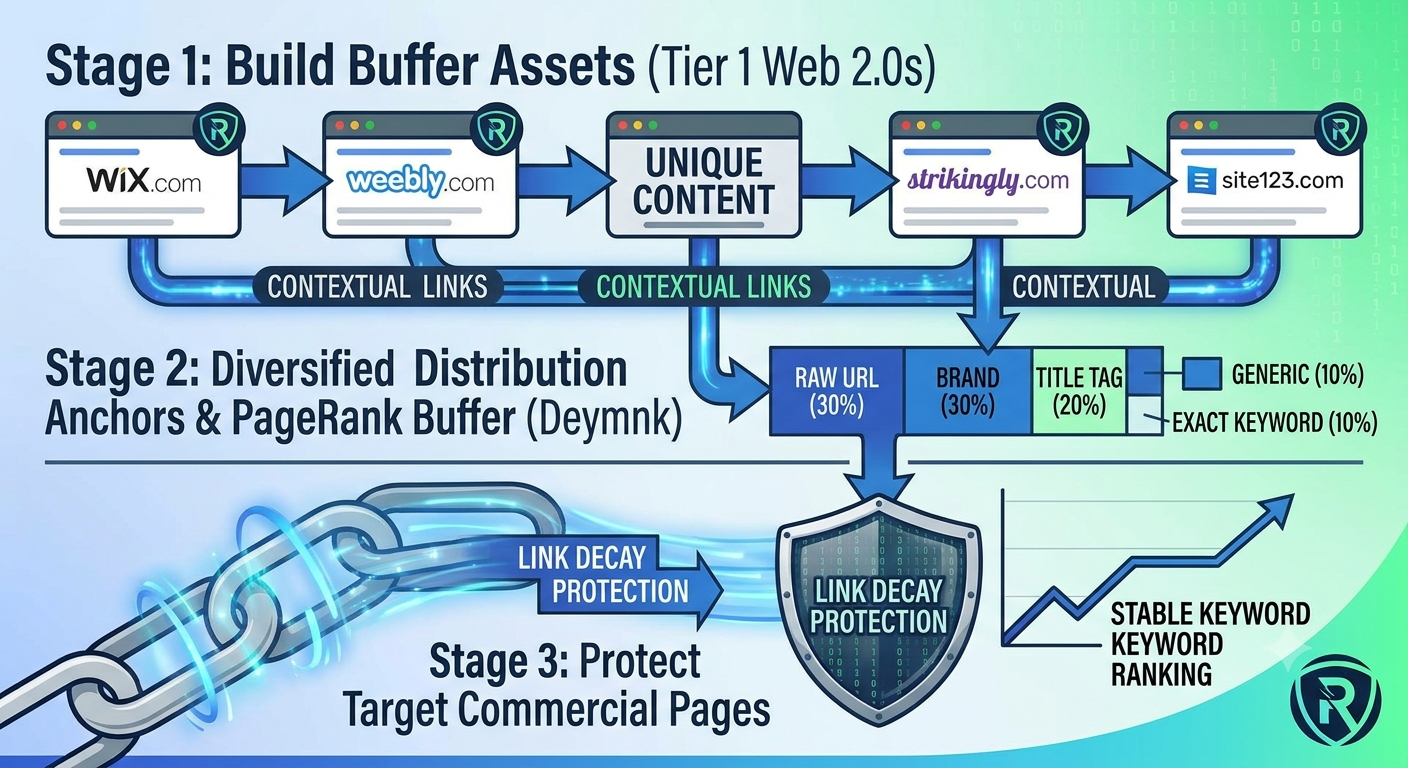
1. Build Buffer Links via Web 2.0 Subdomains
When you lose a high-authority contextual link, you can recover the missing authority fast by launching high-quality secondary assets. Utilizing web 2.0 backlinks on platforms like WordPress.com, Wix, or Weebly allows you to control the content, manage the anchor text distribution, and ensure the links never drop off the Google SERPs unexpectedly.
2. Update Internal Link Flow
If a specific commercial landing page dropped a few ranking positions due to a lost backlink, temporarily boost its internal PageRank:
-
Identify your top 3 highest-authority blog posts using your site analytics.
-
Add 2 to 3 contextual internal links pointing directly from those high-powered posts to your affected target page.
-
Use exact-match or partial-match anchor text to pass relevancy signals immediately while you replace the external off-page link.
Step 4: How to Prevent Link Decay on Future SEO Campaigns
To keep your search rankings permanent and avoid losing money on dropped links in the future, follow these three rules when buying off-page links:
| Link Buying Standard | Recommended Practice |
| Retention Guarantees | Only buy from providers who offer a minimum 12-month Link Replacement Guarantee. |
| Tiered Buffer Pages | Point raw guest posts and outreach links through Tier 1 buffer properties so main target pages are insulated from link drops. |
| Diversified Anchor Profile | Avoid exact-match anchors on single link placements so a sudden drop doesn’t throw off your overall anchor text ratio. |