
If you’ve paid for backlinks, watched the links go live, and then seen absolutely nothing happen in the rankings, you’re not imagining it.
The page is live. The URL works. The seller sends you a screenshot. Yet your rankings flatline.
What happened?
The link may never have been crawled. The referring page may not be indexed. It may be orphaned, blocked by robots.txt, marked nofollow or sponsored, canonicalized somewhere else, or buried on a site Google barely visits.
A live link isn’t automatically a counted link.
I’ve tested link placements across competitive niches for years. I’ve seen strong-looking links produce nothing because the page hosting them was invisible to Google. I’ve also seen one relevant placement on an already-crawled page outperform a wall of cheap, generic junk.
Here’s how to inspect the difference.
A live backlink and a counted backlink are not the same thing
A live backlink is simply a link you can click in a browser.
That proves very little.
A backlink has a better chance of being discovered and evaluated when:
- The referring page is indexed or regularly crawled.
- The page is reachable through normal internal links.
- The link uses a standard HTML
<a href="...">element. - The page isn’t blocked by
robots.txt. - The page doesn’t carry a
noindexdirective. - The link isn’t marked
nofolloworsponsoredwhen you expected ranking credit. - The page is relevant, useful and not duplicated across dozens of sites.
- The target URL is accessible, indexable and canonically correct.
Even then, nothing guarantees ranking value.
Google’s link spam policy specifically warns against buying links for ranking manipulation. Paid advertising and sponsorship links are allowed when they’re qualified with rel="sponsored" or rel="nofollow". That means you need to separate two things:
- A paid placement that brings referral traffic and visibility.
- A link you hope will influence organic rankings.
They aren’t the same product. Any provider pretending otherwise is selling fluff.
Why purchased backlinks never get indexed
1. The referring page is orphaned
An orphan page has no useful crawlable path from the rest of the website.
It may exist in the seller’s CMS. It may be linked from a private dashboard. It may even be listed in an XML sitemap. But if the site has no meaningful internal links pointing to it, Google has fewer reasons to return.
This is common with cheap guest post packages. The seller publishes hundreds of articles, adds no category links, adds no contextual internal links, and leaves every page floating in space.
That’s not a strategy. That’s digital landfill.
2. The page is blocked by robots.txt
A robots.txt rule can prevent Googlebot from crawling the page. If Google can’t fetch the page, it can’t reliably read the content or evaluate the link.
Important distinction: robots.txt controls crawling. It isn’t the same as noindex.
Google can sometimes discover a blocked URL through other sources, even when it can’t crawl it. So a blocked page might still appear as a URL-only result. That doesn’t mean Google has properly processed the content or the backlink.
3. The link is nofollowed or sponsored
Open the page source and inspect the link. You might find:
<a href="https://example.com" rel="nofollow">anchor text</a>
Or:
<a href="https://example.com" rel="sponsored">anchor text</a>
These attributes tell Google not to treat the link like a standard editorial endorsement. They’re the correct choice for paid advertising, but they’re not what many buyers expect when they pay for an SEO backlink.
This is why you must ask for the actual HTML treatment before you purchase backlinks. “Dofollow” written in a sales listing means nothing until you inspect the delivered placement.
4. The content is thin, duplicated or ignored
Google can crawl a page and still decide not to index it.
Search Console may show statuses such as:
- Discovered, currently not indexed
- Crawled, currently not indexed
- Duplicate without user-selected canonical
- Alternate page with proper canonical tag
This is where many sellers go quiet.
The page is technically live, but Google doesn’t consider it useful enough to keep in the index. If the page is copied, automatically generated, stuffed with unrelated links or published on a site built mainly to sell placements, Google can ignore it.
A live URL is not proof of quality. It’s barely the starting line.
5. The link disappears from the index after a few weeks
This happens more often than sellers admit.
A page might be indexed shortly after publication and then disappear later because:
- Google reprocessed the page and judged it low value.
- The host site changed its canonical URL.
- The page was moved, deleted or redirected.
- The content was duplicated elsewhere.
- The publisher added
noindex. - The site lost crawl frequency after quality problems.
- The page became buried beneath a growing archive of low-value posts.
That’s why a seller showing you an “indexed” screenshot on day three hasn’t proved much. You need monitoring at 14, 30 and 60 days.

How to check whether a purchased backlink is indexed
You can’t fully inspect someone else’s site in your own Search Console property. That limitation matters.
Still, you can check the referring URL manually and ask the provider for evidence from their verified property.
Step 1: Inspect the referring page
Check the exact URL where your backlink appears.
Look for:
- A normal HTTP status, ideally
200 OK. - A visible link in the rendered page.
- A standard HTML
href. - No
nofollow,sponsoredor unexpected redirect. - No
noindexmeta tag or HTTP header. - A self-referencing or sensible canonical.
- Internal links from the site’s category, author or related articles.
- Relevant content around the link.
A Google search such as site:example.com/your-page can offer a rough indication, but it isn’t definitive. Search operators are incomplete and not a substitute for Search Console.
Step 2: Ask for Search Console evidence
If the seller controls the publisher site, ask them to inspect the referring URL in Search Console.
Google’s URL Inspection tool shows useful information, including:
- Whether the URL is on Google.
- The last crawl date.
- Whether crawling was allowed.
- Whether page fetch succeeded.
- Whether indexing was allowed.
- The Google-selected canonical.
- Any referring sitemap information.
Be careful with the wording. “URL is on Google” means the page is eligible to appear. It does not guarantee rankings, traffic or backlink value.
A live test only shows that Google can probably access the page now. It doesn’t guarantee that Google will index it later.
Step 3: Inspect your own target page
Search Console can tell you whether your money page is indexable. Inspect the target URL and confirm:
- Crawl allowed? Yes.
- Page fetch? Successful.
- Indexing allowed? Yes.
- Google-selected canonical: The correct URL.
- Last crawl: Recent enough for your site’s normal activity.
Google’s SEO link guidance also recommends using ordinary crawlable links and making important pages reachable through your site structure.
What to do when Google isn’t finding the link
Don’t immediately buy another package. Fix the crawl path first.
Add internal links to the money page
Build contextual internal links from relevant, already-crawled pages to the page you’re trying to rank.
Use:
- Blog articles with existing impressions.
- Service pages linked from your main navigation.
- Relevant category pages.
- Supporting guides with genuine topical overlap.
Don’t blast exact-match anchors everywhere. Use natural variations, branded anchors and descriptive phrases that help readers.
Strengthen the referring page
If the publisher allows changes, ask for:
- A link from an indexed category or hub page.
- A contextual link from a relevant article.
- Links from related articles into the new page.
- A clear author, category and breadcrumb path.
- Unique content that isn’t copied across other sites.
Request indexing where you have access
For pages on your own site, use Test live URL, fix the issue, and select Request indexing. Google says requests can take a day, several days or longer, and they don’t guarantee inclusion.
For large groups of pages, maintain a clean XML sitemap. Don’t hammer the request button with hundreds of low-value URLs. That’s not how you create quality.
Use tiering carefully
Supporting links can help discovery when they point to a useful, indexable first-tier page. But tiering a huge pile of automated junk into another pile of junk is still junk.
Use tiered support for crawl paths and content promotion, not as an excuse to manufacture thousands of spam links. Google’s guidance on qualifying outbound links should remain your baseline.

What a backlink seller actually owes you
A provider can’t honestly guarantee that Google will count a paid link or improve your rankings. Google controls crawling, indexing and ranking.
A professional provider can guarantee the delivery and maintenance conditions within their control:
- The exact live URL.
- The target URL and anchor text.
- A standard crawlable link format.
- Disclosure of
nofolloworsponsoredattributes. - A replacement if the page is deleted or the link is removed.
- A stated monitoring period.
- Indexation checks at agreed intervals.
- A clear replacement policy.
- Transparent reporting without fake screenshots or vague metrics.
Ask this directly:
“If the referring page is not indexed after 30 days, will you replace it?”
If the answer is “we don’t control Google,” that’s fair. If the seller also refuses to replace a dead or blocked placement, walk away.
You’re paying for a service. You deserve accountability.
Backlink indexation checklist
Before you order another link package, check:
- The referring domain has real, relevant organic visibility.
- The exact referring page is crawlable.
- The page isn’t blocked by
robots.txt. - The page doesn’t contain
noindex. - The page has a sensible canonical.
- The link uses a real HTML
href. - You know whether the link is
dofollow,nofolloworsponsored. - The page has internal links from the host website.
- The content is unique and useful.
- The target page is indexed and technically sound.
- The provider monitors indexation after publication.
- The replacement policy is written down.
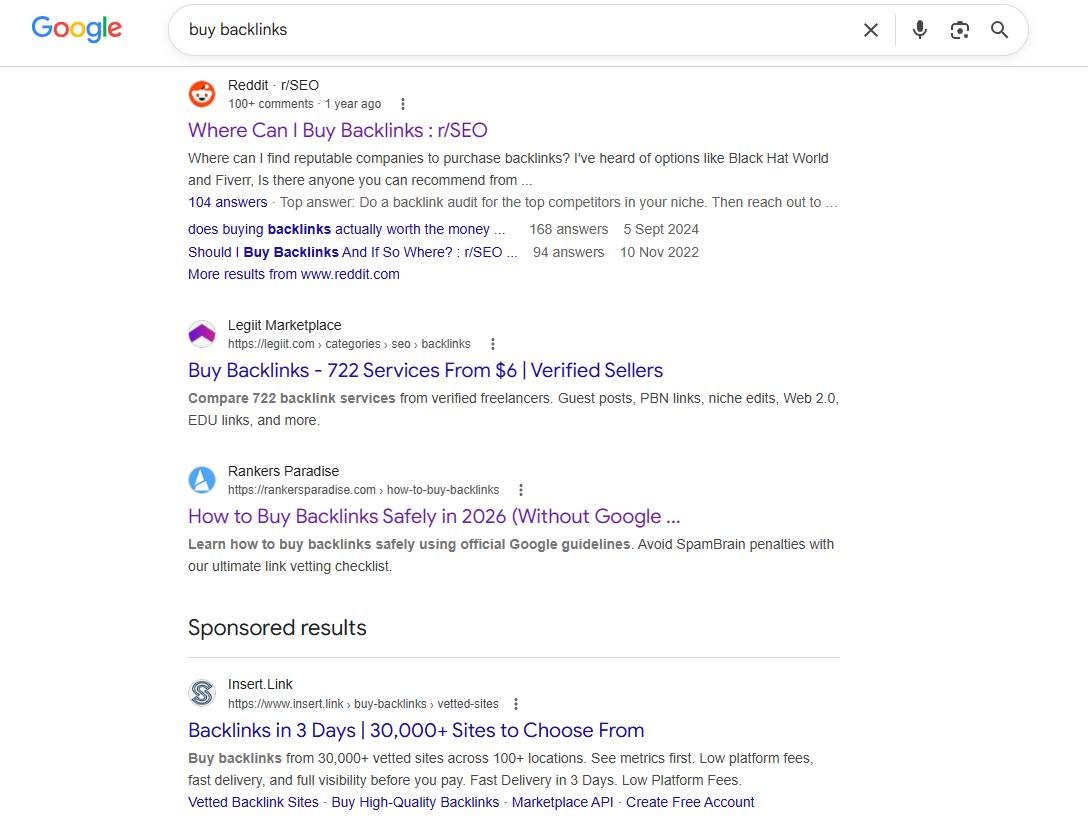
The smarter way to buy links SEO services
If you’re researching how to buy backlinks the right way, don’t judge a package by the number of URLs in a spreadsheet.
Judge it by the quality of the pages, the crawl path, topical relevance, link attributes, monitoring and replacement terms.
You can also read the full buying walkthrough before choosing a campaign.
At Rankers Paradise, we focus on transparent, manually reviewed link building with clear deliverables. We can help with one-off link campaigns, guest posts, niche edits, tiered support and ongoing SEO packages for worldwide niches and languages.
You’ll know what was delivered, where it was placed and what happens if a placement disappears.
No mystery report. No cookie-cutter promises. No waiting months to discover that your expensive backlink was sitting on a page Google never cared about.
Explore managed link building services or contact us for practical advice.