
I am going to show you exactly how long web 2.0 backlinks take to index in Google, why some free blogs take weeks to show up in the SERPs, and most importantly, how you can speed up the process step-by-step.
If you are using free subdomains to push positive keyword rankings on Google, you already know the frustration. You set up your profiles, post your optimized content, drop your contextual links, and then… nothing happens. Days turn into weeks, and your new backlinks still do not show up in Google Search Console or your favorite backlink trackers.
Before you panic or start deleting your free blogs, you must understand how Google bot handles web 2.0 properties.
Below, I break down the exact indexation timeline based on real ranking tests, the factors that delay indexing, and how you can force Google to crawl and index your web 2.0 links fast for free.
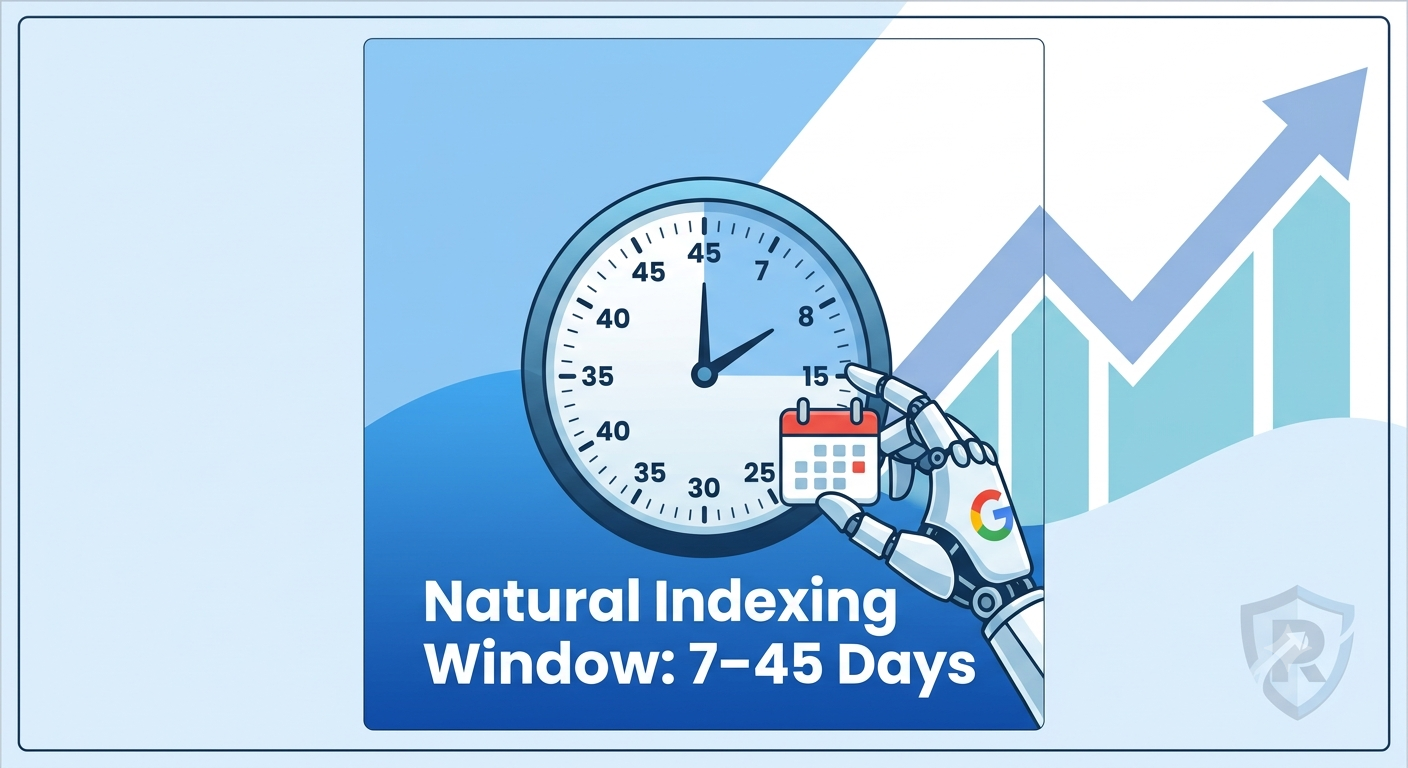
The Short Answer: What is the Real Web 2.0 Indexing Timeframe?
On average, a standard web 2.0 backlinks post takes anywhere from 7 days to 45 days to index naturally on Google without intervention.
+-----------------------------------------------------------------------+
|                       WEB 2.0 INDEXING TIMELINE                       |
+-----------------------------------------------------------------------+
|  Days 1 - 7   | Initial Discovery & Crawl Quarantine                  |
|  Days 7 - 14  | Low-Authority Indexation Window (Quality Platforms)   |
|  Days 14 - 30 | Standard Natural Indexing Window (Unassisted Content) |
|  Days 30 - 45 | Algorithmic Review (Thin or New Subdomains)           |
+-----------------------------------------------------------------------+
Here is how that timeframe breaks down depending on how you set up your free blogs:
-
High-Authority Web 2.0 Platforms (7 to 14 Days):
If you publish on established platforms like WordPress.com, Wix, or LinkedIn Pulse—and your content is well-structured—Google bot will usually crawl and index the URL within one to two weeks.
-
New Subdomains with Fresh Accounts (14 to 30 Days):
If you just registered a brand-new subdomain (e.g.,
yourbrand.tumblr.com), Google assigns a lower initial crawl budget to that subdomain. It takes longer for Google bot to revisit the page and push it into the main search index. -
Thin or Unoptimized Content (30 to 45+ Days or Never):
If the post contains short AI-generated content, lacks multimedia assets, or is stuffed with exact-match outbound links, Google’s spam filters will hold the post in a crawl queue or drop it into the “Discovered – currently not indexed” bucket permanently.
Why Do Web 2.0 Backlinks Take So Long to Index?
Google’s main priority is managing its indexing budget. Every day, millions of free web 2.0 subdomains are created across the internet, and a massive percentage of them are automated spam.
Because of this, Google treats fresh subdomains on platforms like Weebly, Blogspot, or Strikingly with extreme caution.
[ New Web 2.0 Post Published ]
             │
             ▼
   [ Googlebot Discovery ]
             │
             ▼
  ┌─────────────────────┐
  │  Crawl Quarantine   │ ──(Low Quality/Thin Content)──► [ "Discovered - Currently Not Indexed" ]
  └─────────────────────┘
             │
   (Unique + Media + Tier 2)
             │
             ▼
   [ Main Google SERP Index ]
             │
             ▼
[ Backlink Authority Transferred ]
The three primary reasons your web 2.0 links take extra time to appear:
1. Low Initial Crawl Budget
A brand-new subdomain starts with zero Domain Authority (DA) and zero internal link equity on the host platform. Google bot does not visit new subdomains as frequently as it crawls established main domains or authority blogs.
2. Algorithmic Spam Filters (“Trust Quarantine”)
To prevent SERP manipulation, Google holds newly discovered links from free web 2.0 platforms in a temporary quarantine period. Even if Googlebot has crawled the URL, it may delay showing the page in search results or passing backlink juice to your target URL while it evaluates the site’s footprint.
3. Lack of Inbound Signals
When you publish a new article on your main website, you probably link to it from your homepage or share it across social channels. But when people build a free web 2.0, they often leave it floating on an island with zero inbound links, zero internal links, and zero social signals pointing to it. Without incoming signals, Googlebot has very little incentive to prioritize crawling the URL.
4 Main Factors That Accelerate or Delay Web 2.0 Indexing
If you want your free subdomains to index quickly and remain permanently indexed, you must ensure your setup hits the right signals.
1. Content Length and Quality
If you post a 300-word article with no images, Google will likely skip indexing it altogether.
For a web 2.0 post to rank and pass link authority, aim for 800 to 1,200+ words of unique, readable content. Make sure to structure the article properly with clean H2 and H3 tags.
2. Multimedia Assets
Google loves pages that provide a good user experience. Always include at least one relevant 300×300 image, a YouTube video embed, or a helpful diagram in your web 2.0 post. Adding diverse media signals to Google bot that the post is a legitimate resource rather than a quick spam property.
3. Anchor Text Ratios
If your web 2.0 post contains 500 words and 5 exact-match commercial anchors pointing straight to your money page, Google’s algorithmic filters will flag it.
Keep your outbound link count low—1 to 2 backlinks per 1,000 words is ideal. Stick to branded, URL, or generic anchor text for your Tier 1 buffer sites, and only use exact match anchors sparingly.
SEO Pro Tip: If you want to learn how to properly blend anchor text and structure your off-page campaigns safely, check out my complete blueprint on how to buy backlinks without triggering search engine penalties.
4. Platform Selection
Not all web 2.0 sites are created equal. Some lesser-known platforms have poor indexing rates or aggressively delete free accounts within 48 hours.
If you want reliable results, stick to tested platforms with high crawling frequencies:
-
WordPress.com
-
Wix.com
-
Weebly.com
-
Strikingly.com
-
Site123.com
-
Tumblr.com
If you want to see how to set up each of these platforms step-by-step to build a permanent link buffer, follow my detailed guide on how to build web 2.0 backlinks for top organic SERP rankings.
How to Index Web 2.0 Backlinks Faster (Step-by-Step)
If your web 2.0 posts have been sitting online for over two weeks without indexing, you do not need to wait around passively. You can actively push Google bot to crawl and index your pages using these tested, free methods.
+--------------------------------------------------------------------------+
|                  FAST-TRACK WEB 2.0 INDEXING WORKFLOW                    |
+--------------------------------------------------------------------------+
| 1. Submit Web 2.0 URLs to Free Premium Indexer Tool / API                |
| 2. Interlink Fresh Web 2.0 Posts with Already-Indexed Web 2.0 Subdomains  |
| 3. Run a Tier 2 Link Campaign (Social Signals + Contextual Blast)        |
| 4. Embed Web 2.0 RSS Feeds into Free RSS Aggregator Networks             |
+--------------------------------------------------------------------------+
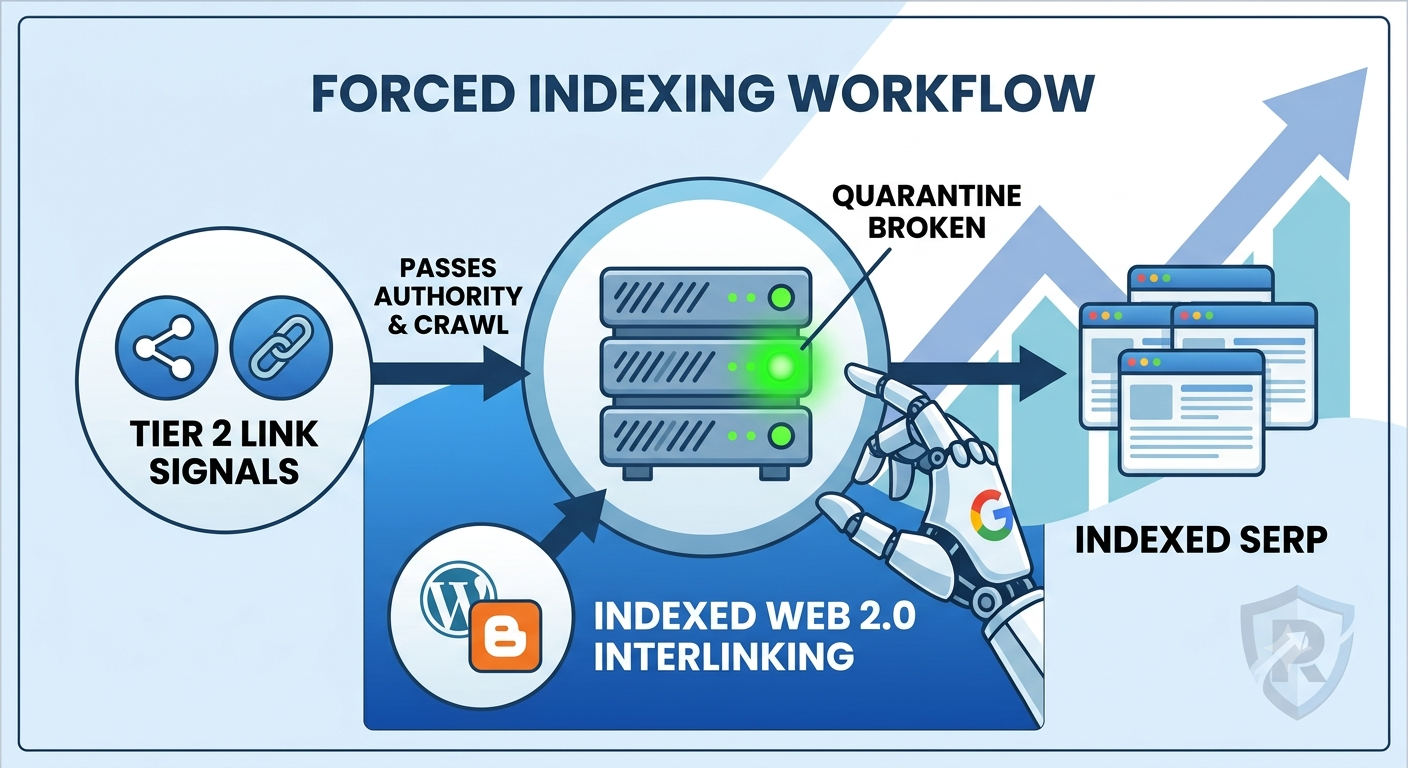
Method 1: Build a Tier 2 Link Structure
The absolute fastest way to force Google to crawl a web 2.0 property is to build low-cost Tier 2 backlinks directly to your Web 2.0 URL.
When Googlebot crawls those Tier 2 links, it follows them directly to your Web 2.0 post, discovers your target link, and updates the search index.
-
Social Signals: Share your web 2.0 blog URLs on Twitter/X, Pinterest, Reddit, and Facebook.
-
Tier 2 Contextual Links: Send a small batch of Tier 2 links (or profile links) directly to your web 2.0 URL. This passes authority and forces Googlebot to re-crawl the page.
Method 2: Interlink Your Web 2.0 Properties (Link Wheel / Tiered Mesh)
Do not leave your web 2.0 subdomains isolated. If you have an older web 2.0 site that is already indexed in Google, drop a link from that indexed page to your brand-new, unindexed web 2.0 post.
When Googlebot revisits your old, indexed web 2.0, it follows the link to your new property and indexes it rapidly.
Method 3: Use an API Indexing Tool or Google Search Console
If you own or manage the web 2.0 property (or use platforms like Google Sites or Blogger where you can connect Search Console), you can request indexing directly:
-
Connect your property or use the Rank Math Instant Indexing Plugin (via Indexing API) for WordPress-based sites.
-
Submit the specific web 2.0 URL directly to the API endpoint.
-
Googlebot will typically crawl the URL within 24 to 48 hours.
Do Web 2.0 Backlinks Work Before They Show Up in Google Search Console?
A common question I receive from clients at Rankers Paradise is: “My web 2.0 post is indexed on Google, but I don’t see it in Google Search Console yet. Is it still working?”
Yes, absolutely.
Google Search Console (GSC) is notoriously slow at updating its external links report. GSC often operates on a 30 to 60-day lag, and it only displays a sample of the total backlinks pointing to your domain.
As long as the web 2.0 URL itself returns a site:yourweb2url.wordpress.com result in Google search, the backlink is live, indexed, and passing link equity to your website—regardless of whether GSC has updated its dashboard interface.
Summary Checklist for Maximum Web 2.0 Indexing Speed
To ensure every web 2.0 backlink you build indexes as fast as possible and pushes positive keyword ranking results on Google, follow this simple checklist:
-
[ ] Write 800+ words of unique, well-optimized content per post.
-
[ ] Include at least 1 image (with ALT text) and 1 video embed.
-
[ ] Keep exact-match anchor text under 20% across your overall link profile.
-
[ ] Build on high-authority web 2.0 platforms (Wix, Weebly, WordPress, Strikingly).
-
[ ] Send social signals or Tier 2 links to the web 2.0 URL immediately after publishing.
-
[ ] Interlink new web 2.0 posts with existing, indexed properties.
Follow this strategy step-by-step, and your web 2.0 backlinks will index faster, remain permanently in the SERPs, and deliver the keyword ranking improvements your website needs.