
I am going to show you exactly how to pass link juice through 301 redirected bought backlinks step-by-step. If you follow this guide, you will be able to siphon massive PageRank from aged domains, expired Web 2.0s, or paid link assets straight to your target money pages—without triggering a Google spam penalty or destroying your existing keyword rankings.
Let’s be completely honest: buying an authoritative domain or a high-DA backlink and throwing a 301 permanent redirect straight at your homepage sounds like the ultimate SEO shortcut.
And years ago? It was.
You could buy an old domain with thousands of links, point a 301 redirect at your site, and watch your keyword rankings shoot to the top of the Google organic SERPs overnight.
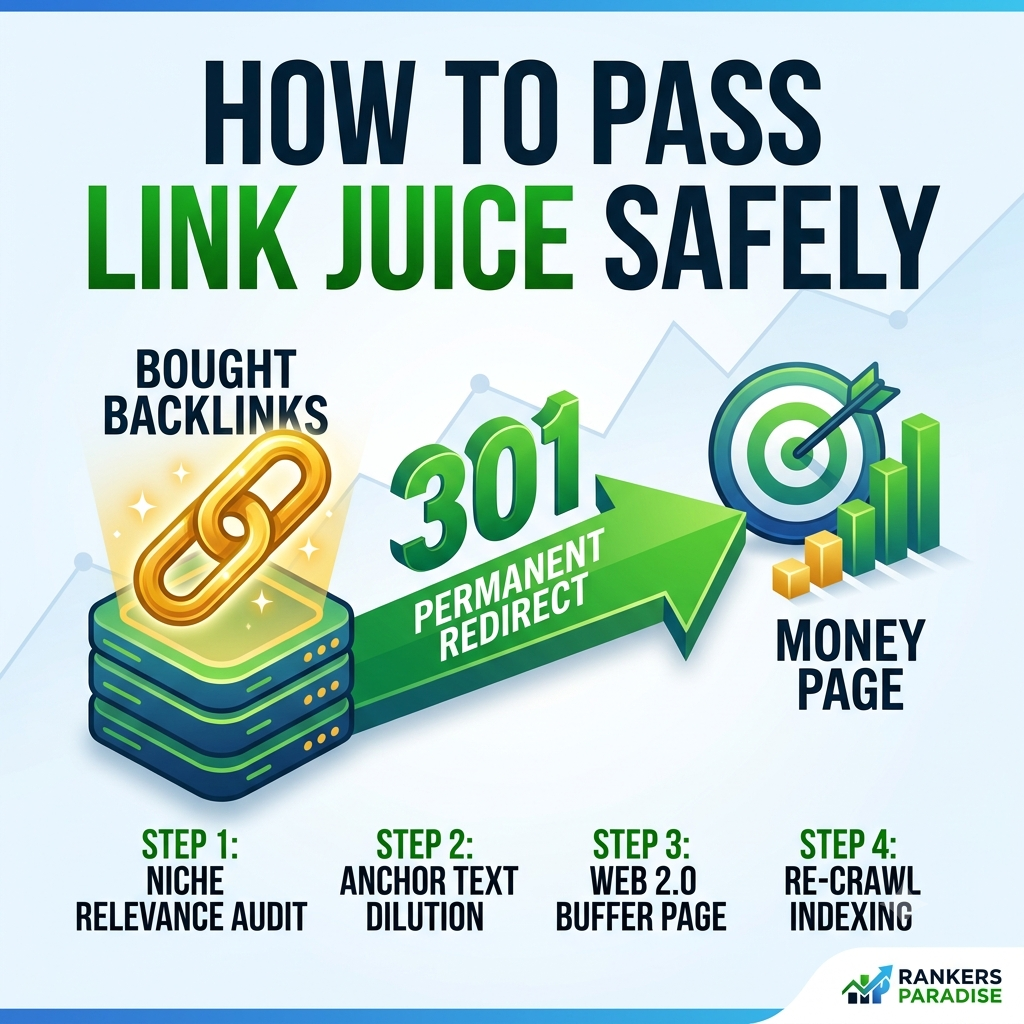
But if you try that exact same lazy technique today, Google bot will catch you red-handed. The search algorithms are smarter now. Google uses topical relevance filters and anchor text anomaly triggers to suppress or completely ignore 301 redirects that don’t make sense.
If you want to know how to buy backlinks the right way, you have to understand that passing raw authority through a 301 redirect requires a buffer strategy.
Here is the exact blueprint I use to route 301 redirected authority safely into my money sites.
What Happens When You 301 Redirect a Bought Backlink?
When you set up a 301 permanent redirect, you are telling Google search spiders that Page A has permanently moved to Page B.
In theory, roughly 90% to 99% of the link equity (the “link juice”) should pass through that redirect to the new URL.
[Bought Backlink / Expired Domain] ---> (301 Permanent Redirect) ---> [Your Target Money Page]
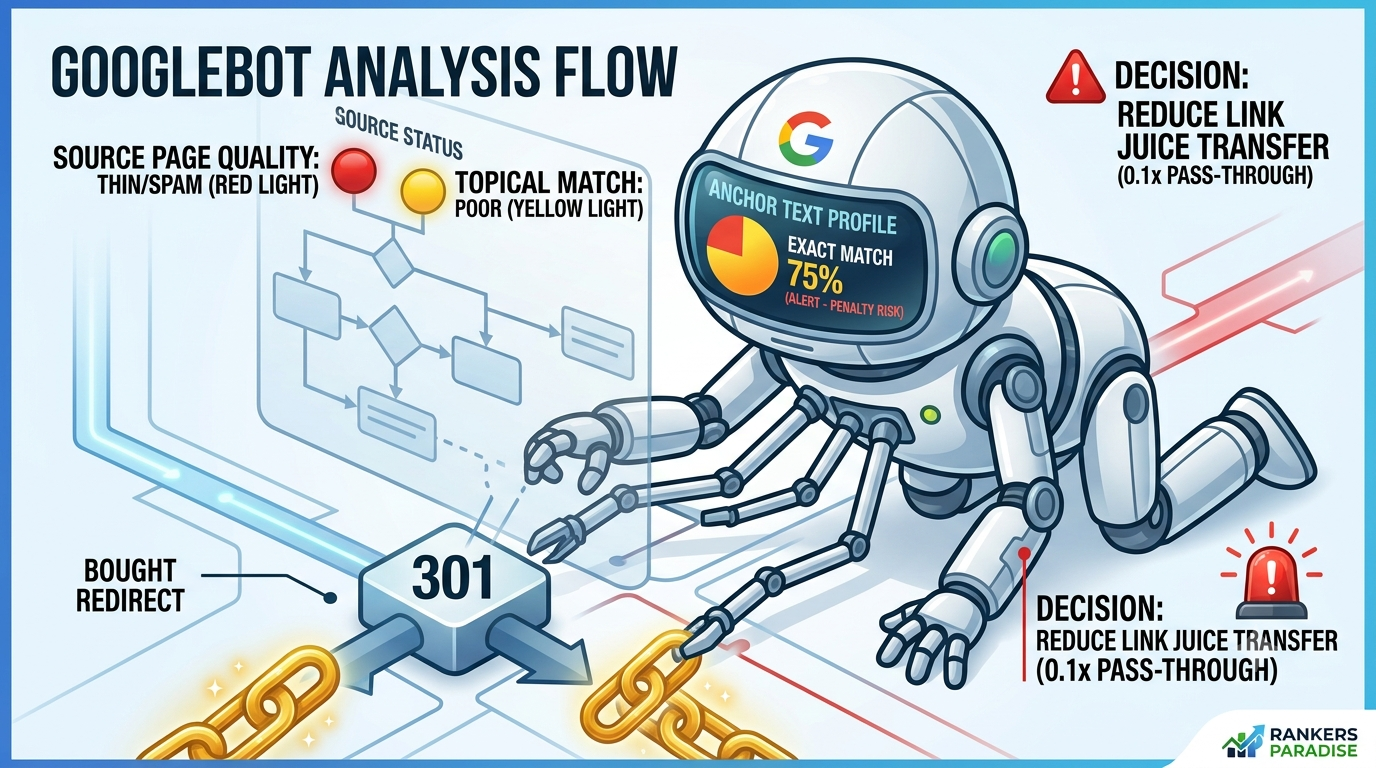
However, Google does not treat every 301 redirect equally. When Google bot crawls a redirected URL, it evaluates three crucial factors before deciding whether to pass PageRank:
-
Topical Relevance: Does the source domain match the niche of your target page?
-
Anchor Text Profile: Is the incoming anchor text natural, or is it packed with exact-match commercial keywords?
-
Indexing & Traffic Status: Is the source page indexed in Google, or was it dropped due to low quality?
If the source site was an old plumbing blog and you 301 redirect it to an e-commerce page selling crypto courses, Google’s algorithms will simply kill the link juice transfer. The redirect will pass zero ranking power.
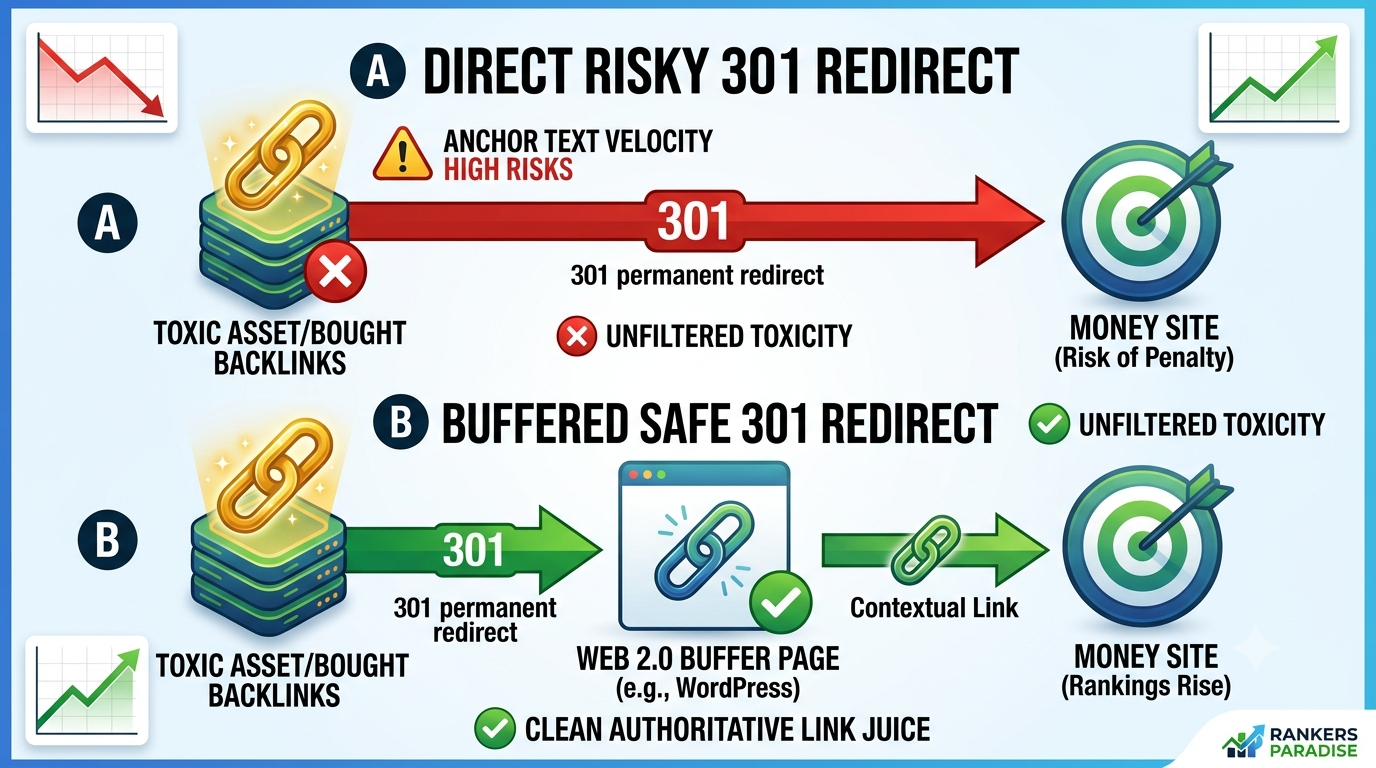
The 4-Step Blueprint to Safely Pass 301 Link Juice
To get maximum rank-building power from your 301 redirected links without catching an algorithmic penalty, follow these steps in order.
Step 1: Perform the Niche Relevance & Toxicity Audit
Before you place a single 301 redirect, you must audit the backlink asset you bought.
-
Check the WayBack Machine: Go to archive.org and look at past snapshots of the domain. Ensure it wasn’t turned into a PBN, a Chinese spam farm, or a doorway site.
-
Audit the Anchor Text: Look at the link profile in tools like Ahrefs or SEMrush. If more than 5% of the anchors are exact-match commercial keywords, do NOT 301 redirect it directly to a money page.
-
Check Indexation Status: Search
site:domain.comin Google. If the domain or page is completely de-indexed, you must re-index it first before setting up the redirect.
Step 2: Clean up the Incoming Anchor Text Footprint
The biggest mistake people make when passing link juice through a 301 redirect is flooding their target page with unnatural anchor text.
If your target URL currently has 80% branded anchors, and you 301 redirect a domain that brings in 500 exact-match “buy backlinks cheap” anchors, your target page will get hit by a link velocity or anchor text penalty.
To fix this, diluting the anchor profile before or during the redirect process is essential.
Step 3: Use a Web 2.0 Buffer Page (The Safe Circuit Breaker)
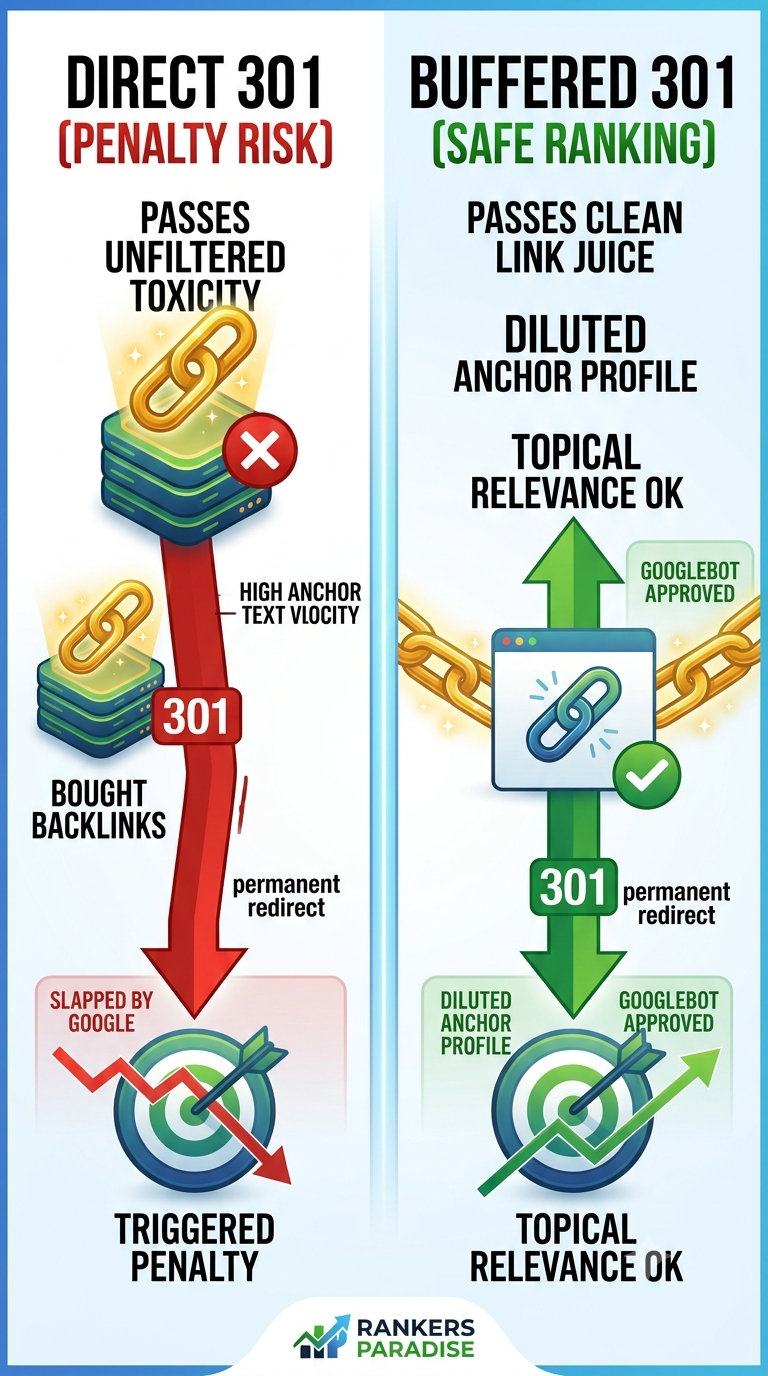
If you bought a link asset or expired domain that has massive authority but isn’t a 100% exact match for your niche, do not 301 redirect it straight to your money site.
Instead, build an intermediate buffer using high-authority Web 2.0 properties.
[Bought Backlink / Expired Domain]
              │
              ▼ (301 Redirect)
   [Niche-Relevant Web 2.0 Buffer]
              │
              ▼ (Contextual Link)
   [Your Target Money Page]
By setting up a clean, multi-tiered structure, you can redirect the bought domain to a high-authority Web 2.0 property (like WordPress, Blogger, or Tumblr). Then, place a clean, contextual link inside the content of that Web 2.0 pointing straight to your target page.
This acts as a safety shield. The Web 2.0 asset absorbs any toxic footprint while passing the raw link juice directly through your contextual link to push your Google keyword rankings #1 fast.
If you aren’t familiar with building these buffer assets, read my complete guide on how to use web 2.0 backlinks to power up your ranking strategy.
Step 4: Force Googlebot to Recrawl the Redirect
Setting up a 301 redirect on your server isn’t enough—you need Google search spiders to crawl the old URL so they register the redirect code.
-
Send Tier 2 Links: Build a quick tier of low-cost links or social signals pointing to the old 301 URL. This triggers Googlebot to crawl the old page immediately.
-
Ping the Old URL: Use an indexing service or submit the old URL via Google Search Console (if you own the domain property) to speed up indexation.
-
Monitor Keyword Rankings: Watch your target keyword position over a 14-to-30-day window. You should see a steady rank rise as Google processes the PageRank transfer.
Pro Tip from Nick: Always test a 301 redirect on a test domain or an inner page first before throwing it at your main home page. If rankings jump after 14 days, you know the link juice is clean and safe to keep.