
If you have just launched a brand new domain, you are probably asking yourself one main question: Is it safe to buy backlinks for a new website?
You want to rank #1 on Google for your target keywords. You see your competitors sitting at the top of the search engine results pages (SERPs) with hundreds of backlinks, and you want to jumpstart your rankings. But at the same time, you are terrified of getting hit with a Google penalty before your site even has a chance to take off.
So, what is the real answer?
Yes, it can be safe to buy backlinks for a new website—but ONLY if you do it correctly, build them at a natural link velocity, and use the right anchor text profile.
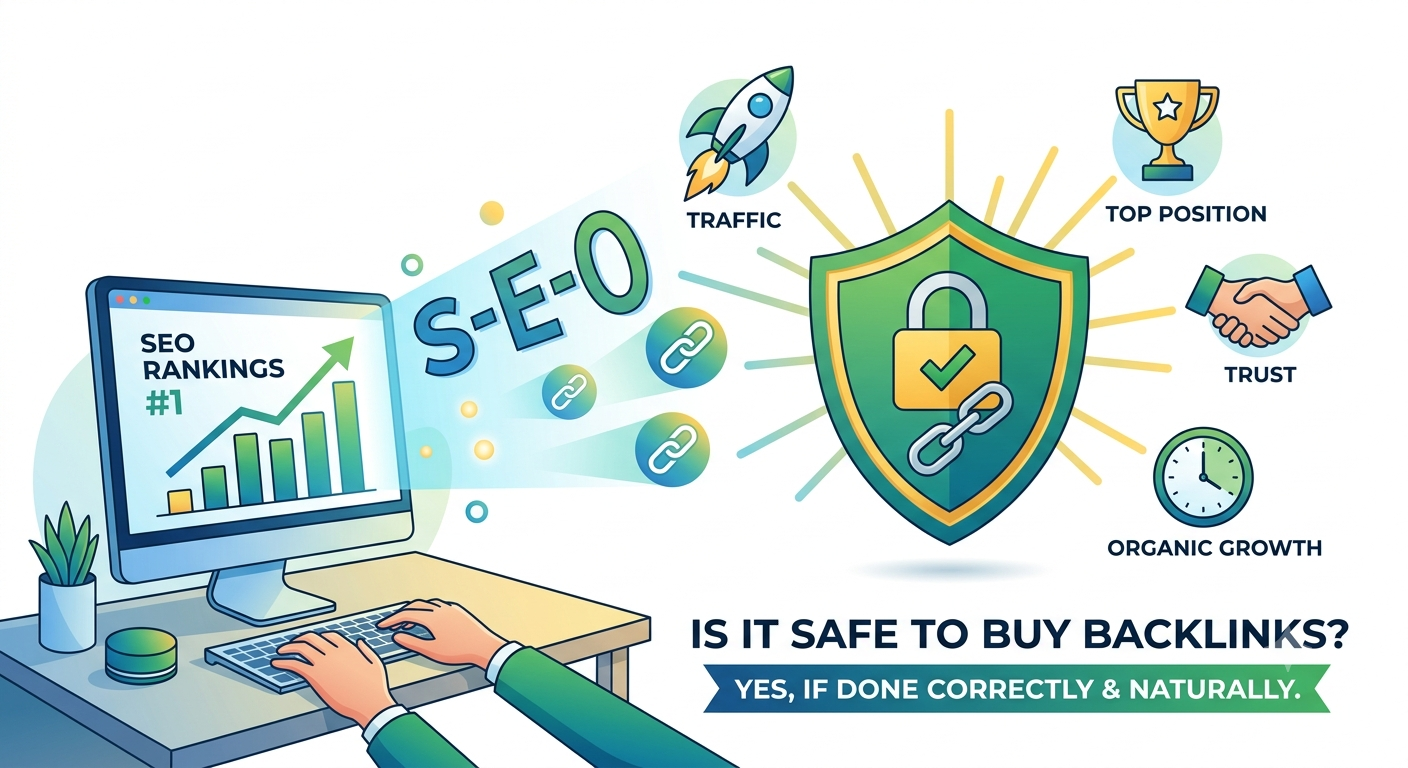
If you buy a blast of 10,000 spammy backlinks on day two of launching your site, Google bot will spot the artificial link spike, ignore or penalize your site, and your organic search traffic will drop to zero before you even start.
In this guide, I am going to show you exactly how to safely build link authority on a brand new domain, what mistakes to avoid at all costs, and how to get top keyword rankings without triggering Google SpamBrain or manual penalties.
Why New Websites Are at Higher Risk
A brand-new website is like a blank slate to Google. When your domain is under 3 to 6 months old, it has no established domain authority, zero trust, and no history of natural link acquisition.
When an established website that gets 100,000 visitors a month gets 50 new links in a week, Google views that as completely normal social proof or media coverage.
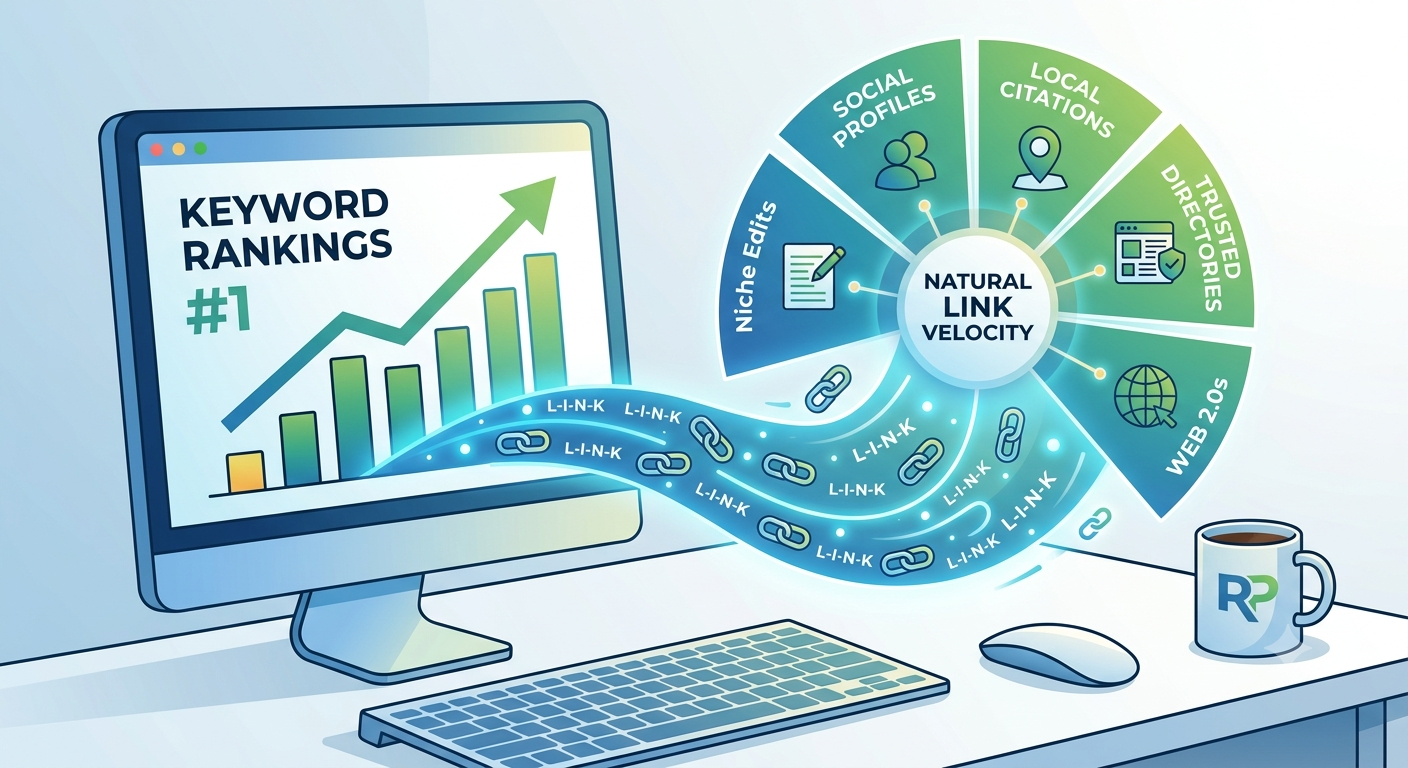
However, when a 2-week-old website with 0 organic visitors suddenly gains 50 exact-match guest post links overnight, Google’s algorithms flag it immediately.
Here is what happens when you buy bad links for a new site:
-
SpamBrain & Algorithmic Ignoral: Google’s AI filtering system (SpamBrain) simply ignores low-quality link seller networks. You end up wasting your money because the link juice never passes to your site.
-
Anchor Text Over-Optimization: Using exact-match keywords (like “best web design agency”) on 80% of your incoming links to a new site will trigger an algorithmic filter instantly.
-
Sandboxing Your Domain: While the “Google Sandbox” isn’t an official penalty, Google will intentionally hold back new sites that display unnatural link building behavior.
To get around this, you need a safe link-building roadmap specifically tailored for new domains.
How to Safely Buy Backlinks for a New Domain (Step-by-Step)
If you decide to buy backlinks for your new project, you must follow a structured approach to make your backlink profile look 100% natural to search spiders.
       [Month 1-2]                      [Month 3-4]                      [Month 5+]
       Foundational Links              Niche Edits & Web 2.0s           Guest Posts & Press
 ┌───────────────────────────┐    ┌───────────────────────────┐    ┌───────────────────────────┐
 │ • Local Citations         │ ──>│ • Web 2.0 Backlinks       │ ──>│ • High-DA Guest Posts     │
 │ • Social Profiles (NAP)   │    │ • Niche Edits / Contextual│    │ • High Traffic Editorial  │
 │ • Natural Directories     │    │ • Tier 2 Link Wheels      │    │ • Exact Match Anchors     │
 └───────────────────────────┘    └───────────────────────────┘    └───────────────────────────┘
Step 1: Build Foundational “Pillow” Links First (Months 1 & 2)
Before you buy any high-authority contextual links, you need to “pillow” your site with natural foundational links. These links tell Google that your business is real and active.
Start by creating:
-
Social Media Profiles: Facebook, X (Twitter), LinkedIn, Pinterest, Instagram, and YouTube.
-
Local Directory Listings (Citations): Yelp, YellowPages, TripAdvisor, and Google Business Profile.
-
Business Directories: Crunchbase, BBB, and industry-relevant directories.
These links are almost always Nofollow or Unranked Branded/URL anchors, but they are essential for setting up a realistic base before you start buying follow links.
Step 2: Use Safe Web 2.0 Sites for Contextual Authority (Months 2 & 3)
Once your domain has basic social trust, you can move on to powerful contextual links. One of the safest ways to pass initial link juice without risking your money site is by leveraging high-authority web 2.0 platforms like WordPress.com, Wix, Weebly, and Blogger.
When you set up web 2.0 backlinks, you get subdomains on aged, highly trusted domains. Because you control the content and the anchor text on these platforms, you can safely pass relevance and authority back to your primary money pages.
If you ever need to adjust your anchor text or remove a link later, you have full control over the Web 2.0 properties.
Step 3: Layer in Niche Edits and Guest Posts (Months 3 to 6)
After your site is a few months old and indexed in Google SERPs, you can start purchasing high-DA niche edits (curated links inserted into existing, indexed articles with real traffic) and contextual guest posts.
Ensure that any site you buy links from meets the following baseline checks:
-
Real Organic Search Traffic: Check the site in Ahrefs or Semrush. If the site gets 0 traffic, do not buy a link on it.
-
Indexed Outgoing Links: Make sure Google is actively crawling and indexing the blog posts on that domain.
-
Clean Anchor Text Profile: Avoid sites that sell links to casino, pharma, or payday loan sites in the exact same sidebar or post.
Anchor Text Ratio for Brand New Websites
The #1 reason people get penalized when they buy links is getting the anchor text strategy completely wrong.
When you buy backlinks for a established site, you might get away with 10–20% exact-match anchors. But for a brand-new domain, your anchor text profile needs to be overwhelmingly branded and generic.
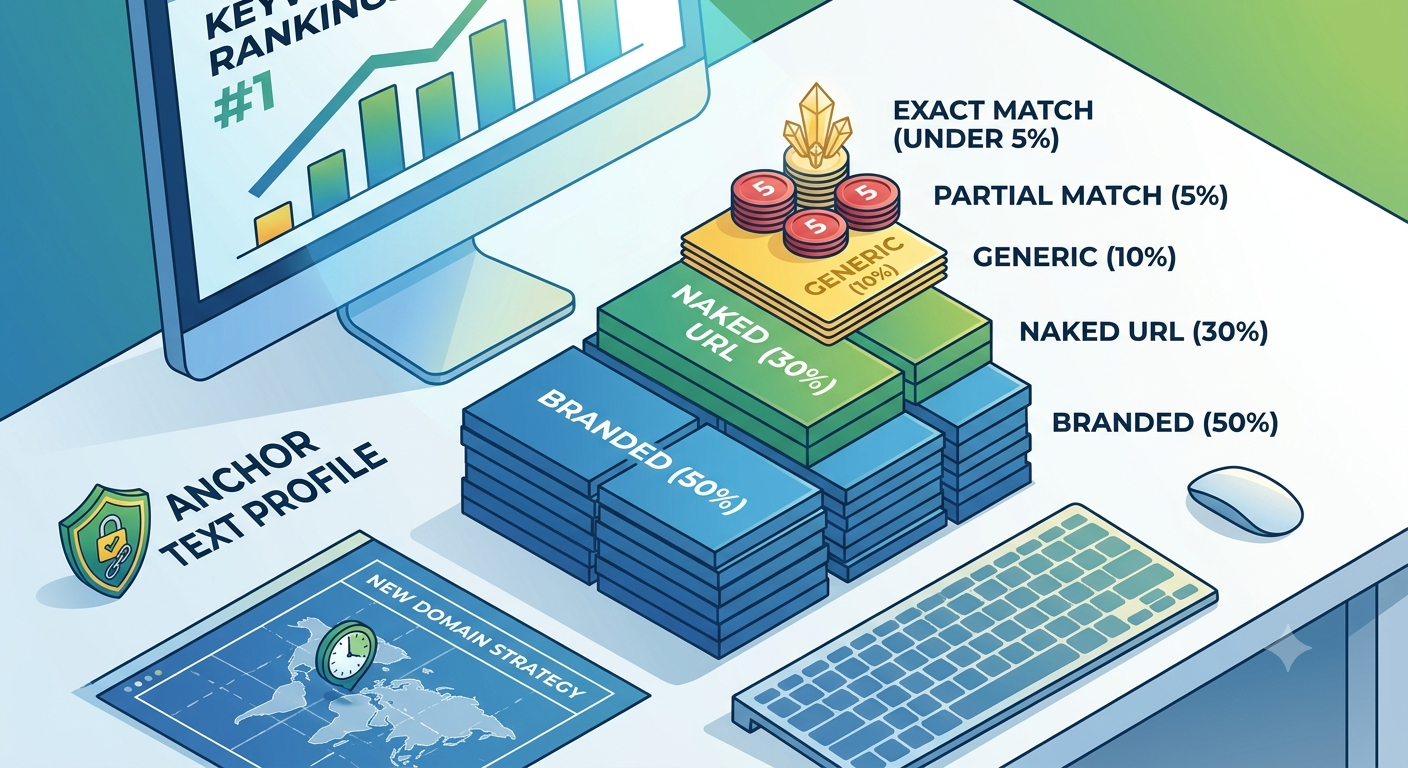
Use this safe anchor text allocation rule for your first 50 backlinks:
| Anchor Text Type | Example | Suggested Ratio |
| Branded Anchors | Rankers Paradise, Rankers Paradise Blog |
50% – 60% |
| Naked URL | [https://yourdomain.com](https://yourdomain.com), yourdomain.com |
20% – 30% |
| Generic Anchors | click here, visit website, source, read more |
10% |
| Partial / LSI Match | safe link building guide, buy SEO links |
5% – 10% |
| Exact Match | is it safe to buy backlinks for a new website |
Under 5% |
Keep your exact-match keyword anchor text reserved for your highest quality, most relevant links after your domain is indexed and ranking on pages 2 to 5 for its main keywords.
Red Flags to Avoid When Buying Backlinks
If you decide to buy backlinks from third-party vendors or agencies, avoid these major trap setups:
Warning – Red Flag Checklist:
Fiverr / Cheap Link Packages: Never buy packages offering “5,000 Backlinks for $5.” These are automated GSA SER or ScrapeBox blasts that will burn a new domain instantly.
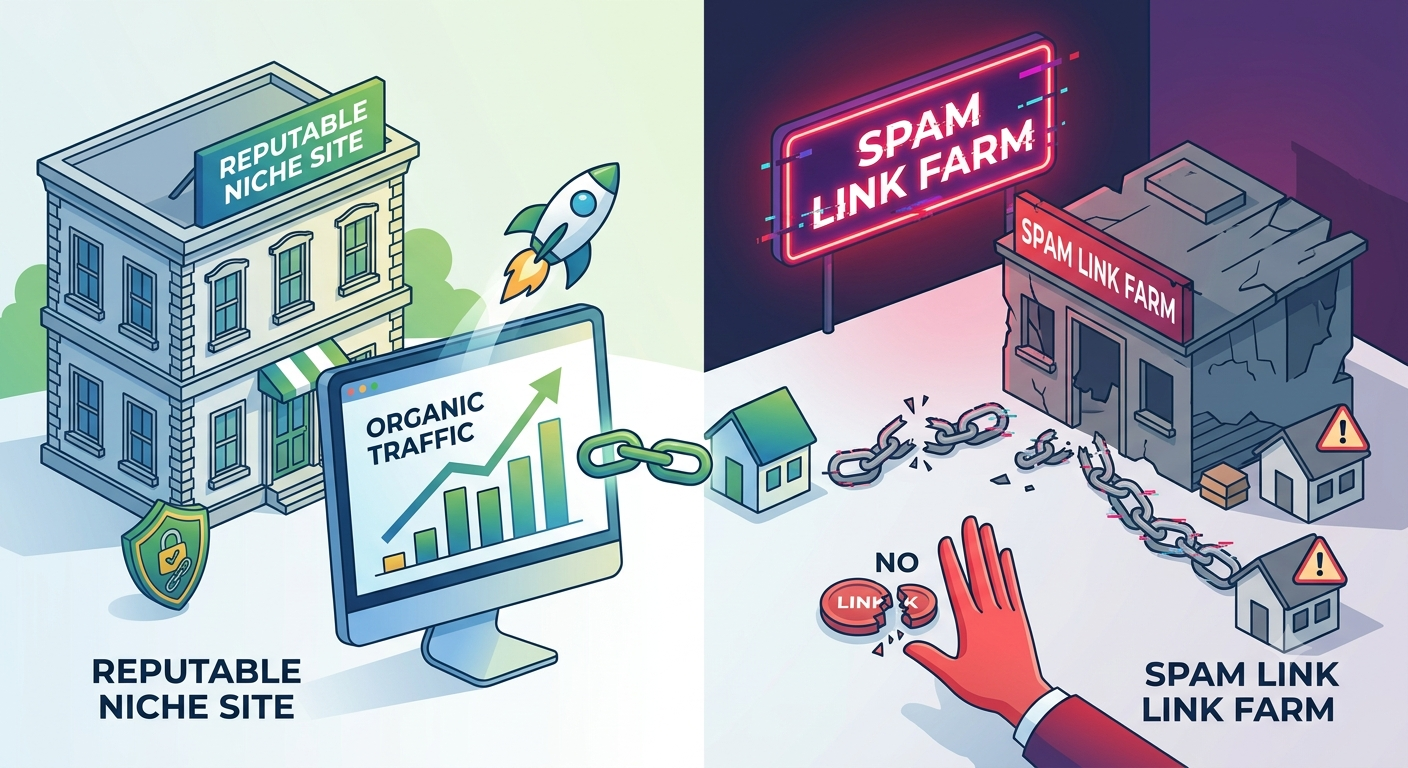
Public Link Networks (PBNs): Avoid public networks advertised on open forums where every site has the same IP subnet or identical WordPress themes.
Sites with Traffic Drops: If a domain had 50,000 monthly visitors last year and suddenly dropped to 200 visitors, it was likely hit by a Google SpamBrain or Core Update penalty. A link from a penalized site will do nothing for your rankings.
Frequently Asked Questions
Will Google penalize a new site for buying backlinks?
Google’s official Webmaster Guidelines prohibit buying links that pass PageRank. However, Google cannot easily distinguish between a paid guest post and an earned editorial link if the link is contextual, placed within unique content on a real niche-relevant site, and uses natural anchor text.
How long does it take for bought backlinks to work on a new site?
For new domains, backlink indexation and ranking improvements typically take 3 to 8 weeks to show visible movement in Google organic SERPs. You can use indexation tools to speed up how fast Google spider crawls your new backlinks.
Is it better to build links or write content first?
Always write and optimize your content first. Ensure your target keyword is in your Title Tag, Meta Description, H1 Tag, and naturally integrated within the content at under 1% keyword density before building any external authority. Good content makes your backlink building efforts much more effective.